
 by
by
The best smart light switches are the quiet workhorses of a smart home, more useful day to day than almost any gadget you’ll buy. Unlike a smart bulb that only works when the dumb switch on the wall is left on, a smart switch makes the whole circuit smart: schedule your lights, dim them by voice, and control them from your phone whether you’re in bed or on holiday. I’ve wired a lot of these in, and the gap between picking the right one and the wrong one usually comes down to two things most people don’t check first.
Those two things are your wiring and your assistant. Most Wi-Fi smart switches need a neutral wire (common in newer homes, often missing in older ones), and you’ll want one that works with whichever assistant you use, Alexa, Google Home, or Apple HomeKit. Get those right and installation is a 15-minute job; get them wrong and you’ll be returning it.
So here are the smart switches and dimmers worth buying, each with who it’s for, including a pick for homes without a neutral wire. If you’re building out a connected home, my guide to home automation covers the bigger picture, and using Apple TV as a smart home hub is worth a read for HomeKit users.
1. Kasa Smart Wi-Fi Switch (HS200): best overall
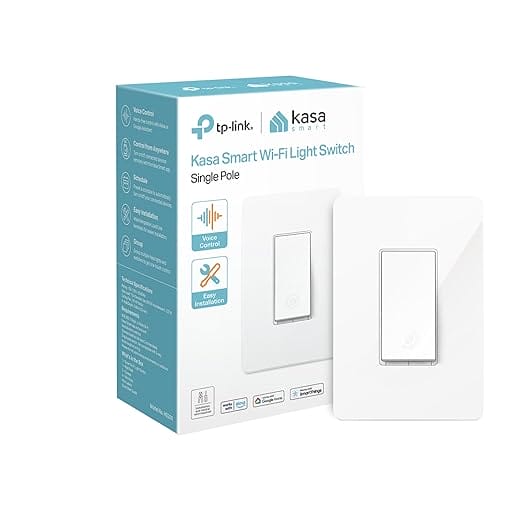
Kasa Smart Wi-Fi Light Switch (HS200)
- No hub required
- Works with Alexa & Google
- Reliable Kasa app
- Needs a neutral wire
The Kasa HS200 is the smart switch I recommend to most people. It connects straight to your Wi-Fi with no hub required, works with Alexa and Google Home, and the Kasa app is reliable and easy. Scheduling, away mode, and voice control all just work, and the price is right. It needs a neutral wire, standard in most modern homes. If you want one dependable switch to start with, this is it.
💡 Buy if you want a reliable, no-hub Wi-Fi switch that works with the major assistants. Skip if your home has no neutral wire, choose the Lutron below.
2. Kasa Smart Dimmer (HS220): best dimmer
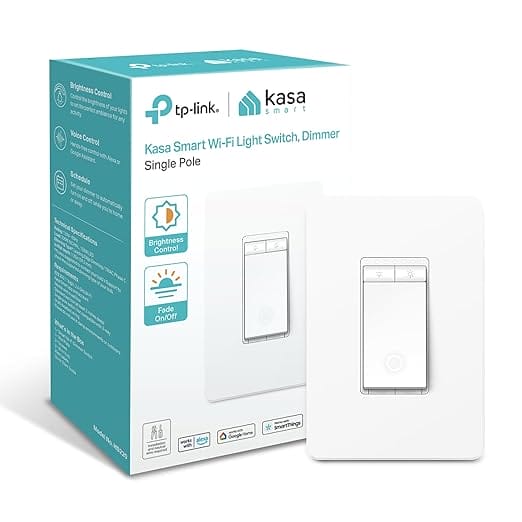
Kasa Smart Dimmer Switch (HS220)
- Smooth dimming + scenes
- No hub required
- Alexa & Google support
- Scheduled fade on/off
If you want to dim as well as switch, the Kasa HS220 brings the same no-hub Wi-Fi reliability with smooth dimming. Set scenes, fade lights on a schedule, and control brightness by voice or app. It’s the natural upgrade for living rooms and bedrooms where you want ambiance, not just on/off. Same trusted Kasa app and assistant support as the HS200, with a slider for light levels.
💡 Buy if you want dimming with no hub at a fair price. Skip if you only need on/off, the HS200 is cheaper.
3. Lutron Caseta Dimmer Kit: best for homes with no neutral wire
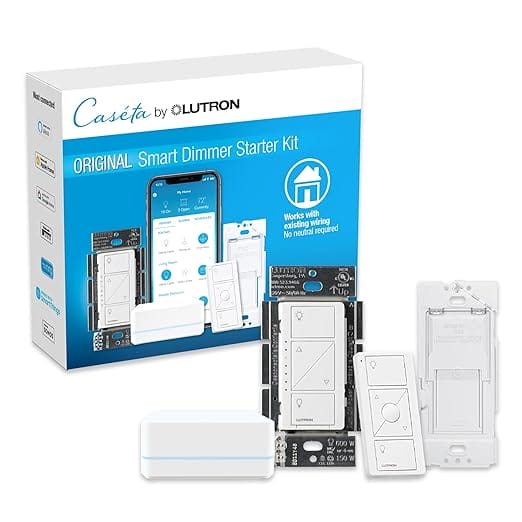
Lutron Caseta Smart Dimmer Starter Kit
- No neutral wire needed
- Most reliable system
- Hub + Pico remote included
- Works with all assistants
If your older home doesn’t have a neutral wire, the Lutron Caseta is the answer, it works with existing wiring and no neutral required, which rules out most Wi-Fi switches. It uses its own rock-solid radio and a small hub (included in this starter kit), and it’s the most reliable smart lighting system I’ve used, period. It works with every major assistant and a handheld Pico remote. The gold standard for whole-home smart lighting.
💡 Buy if you have no neutral wire or want the most reliable system. Skip if you want the cheapest single switch and have a neutral wire.
4. Leviton Decora Smart (Matter): best premium Wi-Fi
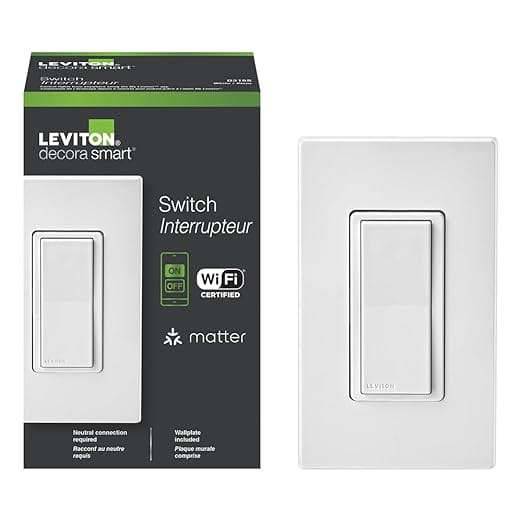
Leviton Decora Smart Switch (Matter)
- Matter certified
- Works with all ecosystems
- Wall plate included
- Clean premium design
The Leviton Decora Smart is the premium Wi-Fi pick, with a clean design, a included wall plate, and Matter support, the new standard that makes a switch work across Alexa, Google, and Apple HomeKit alike. If you want future-proof compatibility and Leviton’s trusted electrical build quality, this is the upgrade. It needs a neutral wire, but rewards you with the broadest assistant support and a tidy look.
💡 Buy if you want Matter support and premium build across all ecosystems. Skip if you’re on a budget, cheaper switches do the core job.
5. GE Cync Paddle Dimmer: best for voice assistants
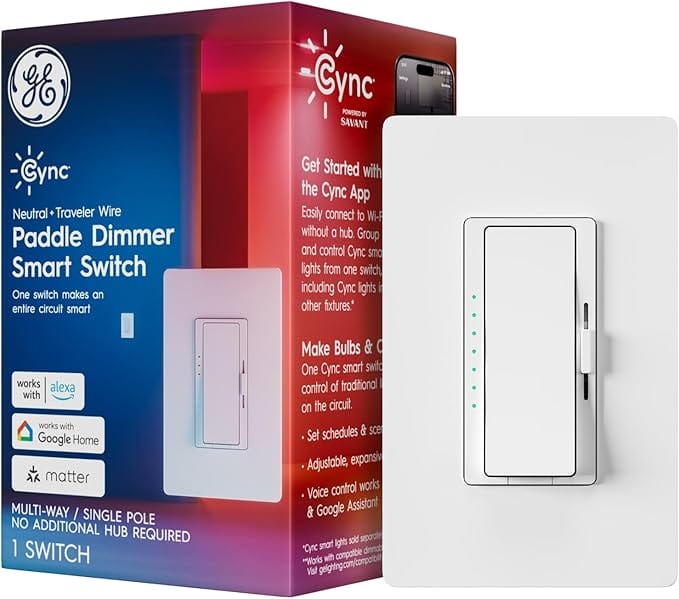
GE Cync Paddle Dimmer Smart Switch
- No hub required
- Tight Alexa/Google integration
- Matter support
- Premium paddle dimmer
The GE Cync paddle dimmer is a slick, hub-free smart switch that integrates tightly with Alexa and Google Home, with Matter support and an easy app. One switch makes an entire circuit smart, and the paddle design feels familiar and premium. If you live in the Google or Alexa ecosystem and want smooth voice dimming, the Cync is a polished, dependable choice.
💡 Buy if you want tight Alexa/Google integration and a premium paddle. Skip if you’re committed to a different ecosystem like HomeKit-only.
6. Meross Smart Dimmer (4-Pack): best value multipack
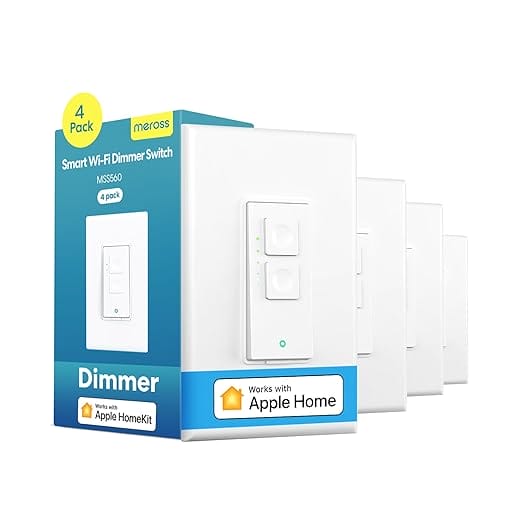
- 4 switches in one pack
- No hub required
- Alexa, Google & HomeKit
- Best value for whole homes
Outfitting a whole house gets expensive fast, which is where the Meross 4-pack shines, four smart dimmers for the price of one or two premium switches. They’re Wi-Fi, no-hub, and work with Alexa, Google, and HomeKit, with a simple app. The build is more basic than Lutron or Leviton, but for kitting out multiple rooms affordably, the value is excellent. The smart-home-on-a-budget pick.
💡 Buy if you want to make several rooms smart cheaply. Skip if you want premium build or a no-neutral option.
7. TreatLife 3-Way Smart Dimmer: best for 3-way setups
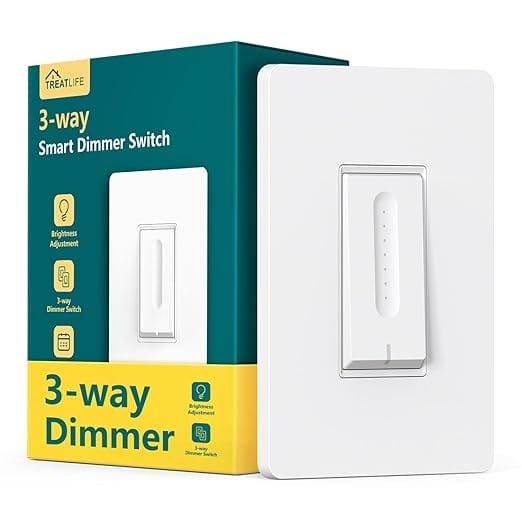
- Works in 3-way circuits
- Keeps both switches working
- Smart dimming
- Alexa & Google support
Hallways and staircases often have two switches controlling one light, a 3-way setup that trips up many smart switches. The TreatLife 3-way dimmer is built for exactly this, letting you keep both switch locations working while adding smart control and dimming. It’s affordable, works with Alexa and Google, and solves a problem the basic switches can’t. The go-to for tricky multi-switch wiring.
💡 Buy if you have a 3-way (two-switch) circuit to make smart. Skip if your lights are controlled by a single switch.
8. Amazon Basics Smart Switch: best ultra-budget
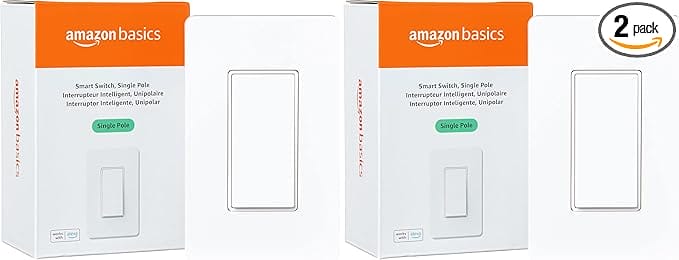
Amazon Basics Smart Light Switch
- Lowest price here
- Wi-Fi control + scheduling
- Works with Alexa
- Simple to set up
For the lowest price on a single smart switch, the Amazon Basics option does the essentials, Wi-Fi control, scheduling, and Alexa integration, at a rock-bottom cost. It’s basic and leans on the Amazon ecosystem, but if you just want to dip a toe into smart lighting or add one switch cheaply, it delivers the core experience. The no-frills, lowest-cost way to start.
💡 Buy if you want the cheapest single smart switch and use Alexa. Skip if you want broad ecosystem support or premium reliability.
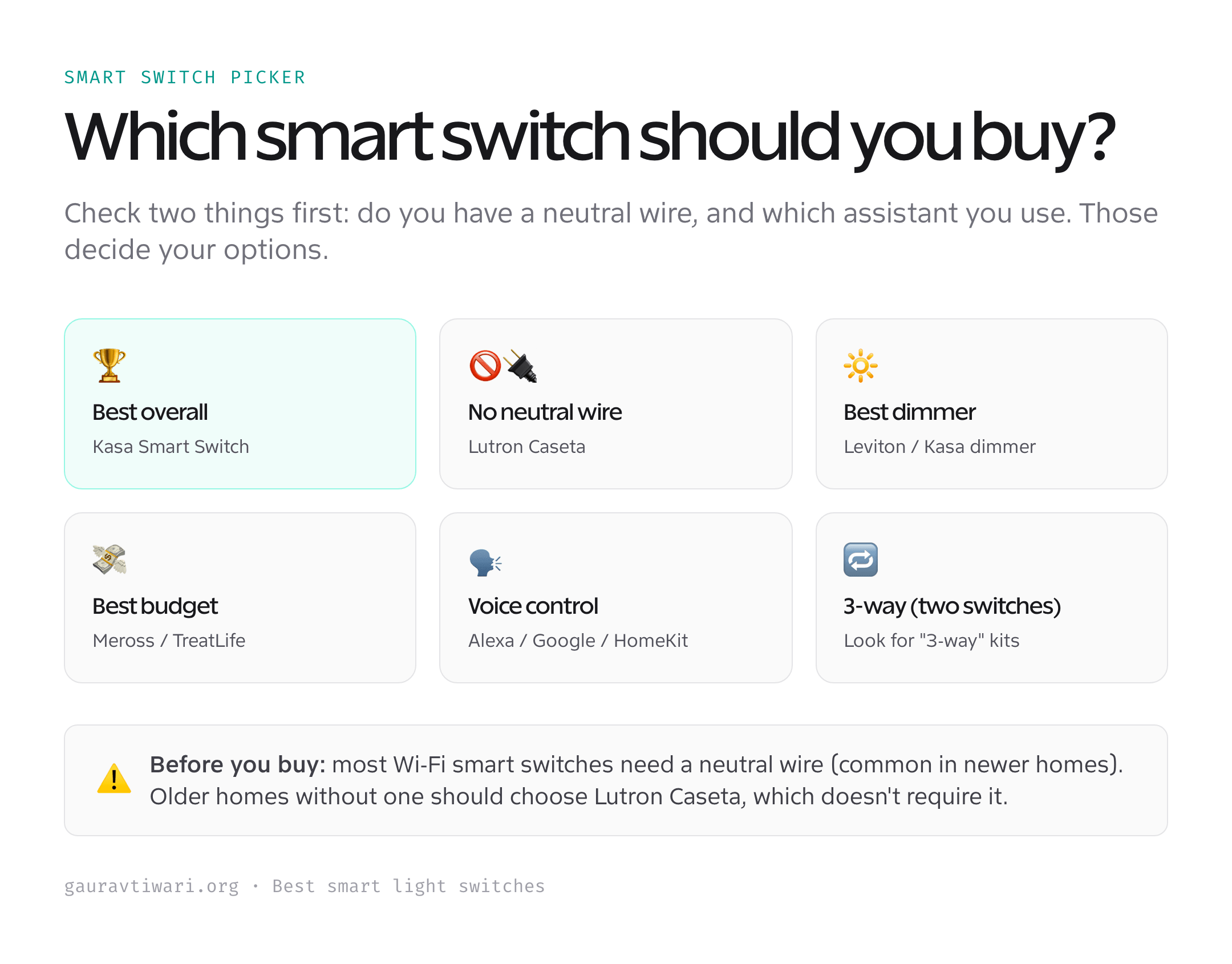
How to choose a smart light switch
Two checks save you a return, and a few more get you the right switch.
- Do you have a neutral wire? Most Wi-Fi switches need one. Check your switch box for a bundle of white wires. No neutral? Choose Lutron Caseta, which doesn’t require it.
- Which assistant do you use? Confirm the switch works with Alexa, Google Home, or Apple HomeKit, whichever you have. Matter-certified switches work across all of them.
- Switch or dimmer? A switch is on/off; a dimmer adds brightness control and scenes. Dimmers cost a little more but transform living spaces.
- Single-pole or 3-way? If two switches control one light, you need a 3-way-compatible switch like the TreatLife. Standard switches won’t work there.
- Hub or no hub? Wi-Fi switches connect directly; systems like Lutron use a small hub for extra reliability and range. Both work well, hub systems scale better for whole homes.
Check the wiring and your assistant first, then pick switch-vs-dimmer, and installation is quick. If you’re unsure about wiring, a quick photo to an electrician saves a lot of guesswork.
Which smart switch should you buy?
For most homes with a neutral wire, the Kasa HS200 (or HS220 to dim) is the reliable, affordable default. No neutral wire? The Lutron Caseta is the answer and the most dependable system overall. Want Matter and premium build? The Leviton Decora Smart. Kitting out many rooms? The Meross 4-pack. Got a two-switch hallway? The TreatLife 3-way. Check your wiring and assistant, and you’ll get a switch that just works.
Frequently asked questions
Do smart switches need a neutral wire?
Most Wi-Fi smart switches do, including Kasa, Leviton, and Meross. The neutral wire (a bundle of white wires in the switch box) powers the switch’s electronics. Newer homes usually have one; many older homes don’t. If yours lacks a neutral, choose Lutron Caseta, which is specifically designed to work without one, or have an electrician check your box first.
Are smart switches better than smart bulbs?
For most rooms, yes. A smart switch controls the whole circuit and keeps working with the regular wall switch, so anyone can still use the lights normally. Smart bulbs stop responding if someone flips the dumb switch off, and they get expensive in rooms with many bulbs. Smart bulbs win only when you want per-bulb color control; for everyday on/off and dimming, switches are simpler and cheaper.
Can I install a smart switch myself?
Often yes, if you’re comfortable turning off the breaker and connecting a few wires, it’s typically a 15-minute job. Always cut power at the breaker first and follow the instructions. That said, if your wiring is old, unlabeled, or lacks a neutral, or if you’re unsure at all, hire a licensed electrician. Working in a live switch box is dangerous, so when in doubt, don’t.
What is a 3-way smart switch?
A 3-way circuit is one where two switches control the same light, common in hallways and staircases. A 3-way smart switch (or a kit with a companion/add-on switch) lets both locations keep working while adding smart control. Standard single-pole smart switches won’t work correctly in a 3-way setup, so look specifically for 3-way compatibility, like the TreatLife dimmer.
Do smart switches work with Alexa, Google, and HomeKit?
It varies by switch. Kasa and Meross work with Alexa and Google (Meross adds HomeKit); Lutron Caseta works with all major assistants. The simplest way to guarantee broad compatibility is to choose a Matter-certified switch like the Leviton Decora Smart, since Matter works across Alexa, Google Home, and Apple HomeKit. Always confirm your specific assistant is listed before buying.
Do smart switches keep working if the internet goes down?
The physical switch always works, you can press it by hand regardless of your internet. What you lose without internet is remote control and voice commands; schedules may still run on hub-based systems. Lutron Caseta, which uses its own hub and radio, is especially robust during outages. So even at their worst, smart switches never leave you unable to turn on the lights.
The bottom line
A smart switch is one of the highest-value upgrades in a connected home, useful every single day. For most homes the Kasa HS200 or HS220 is the reliable, affordable choice; homes without a neutral wire should go with Lutron Caseta; and Matter fans should pick the Leviton Decora Smart. Check your wiring and your assistant before buying, install with the power off, and you’ll control your lights by phone and voice in about fifteen minutes.