
 by
by
A personal blog is the one site where nobody else sets the brief, and what you intend to put on it decides the platform far more than any feature table does. Bear Blog is the cleanest home for essays, WordPress.com has the most room to grow, Substack makes sense when the email is the point, Tumblr suits short visual posts, and Hashnode hands developers an audience that’s already there.
I’m judging these by personal-blog needs rather than business-site features: how fast you can publish, whether photos and comments actually work, whether you can write under a pen name, and whether you can take your posts, images and subscribers with you when you leave.
This guide is about where to publish your own writing. If you came looking for personal blogs to read instead, my list of the best personal blogs to follow is the one you want.
Quick Picks by What You Want to Publish
Start from the thing you actually intend to post. The platform argument gets much shorter once the format is settled.
- Long-form essays: Bear Blog, or Mataroa if you want comments and email built in
- A personal journal: Mataroa, whose free tier gives you subscribers without asking for a card
- Photos and travel logs: WordPress.com, the only free tier here with real media handling
- An email-first publication: Substack
- Developer writing: Hashnode for your own archive, DEV Community for reach
- Short social posts, art and fandom: Tumblr
- Writing under a pen name: Mataroa or Bear Blog
- A general personal blog you might grow: WordPress.com
Notice how rarely the answer is the biggest platform. Personal blogs die of friction, not of missing features.

How I Tested These Personal Blog Sites
I published real posts on six of these and test-drove the other three with sample content.
- Published on: Bear Blog, WordPress.com, Substack, Blogger, Medium and Mataroa
- Test-driven with sample posts: Hashnode, DEV Community and Tumblr
- What I looked at: the writing experience, how media is handled, what the published page looks like on a phone, and what the export actually contains
- I’ve also moved blogs off WordPress.com, Medium and Substack, which teaches you more about a platform than its feature page ever will
The export test is the one most roundups skip. It’s also the only one that tells you whether leaving costs you an afternoon or your archive.
Personal Blog Sites Compared
Same nine platforms, lined up on the things that decide a personal blog rather than a business site.
| Platform | Best personal use | What the free tier gives you | Photos | Email subscribers | Main drawback |
|---|---|---|---|---|---|
| Bear Blog | Essays | Unlimited posts on a subdomain, no ads at any tier | Paid only | Paid only | New blogs wait on manual review before search engines see them |
| WordPress.com | A general personal blog | 1 GB, a subdomain, WordPress.com’s own ads | Yes, within 1 GB | No | Ads you don’t control sit on your writing |
| Substack | Email-first writing | Unlimited posts and subscribers, free delivery | Yes | Yes, built in | You depend on Substack for hosting, discovery and delivery |
| Medium | Reaching an audience you didn’t build | Unlimited posts, almost no design control | Yes | No | The readers stay Medium’s |
| Blogger | A free custom-domain blog | Unlimited posts, free domain mapping | Yes, no quota use | No | Dated editor, little product movement |
| Hashnode | A developer’s own archive | Unlimited posts, free custom domain | Yes | Yes | Discovery is developer-centered |
| DEV Community | Developer reach | Unlimited posts, genuinely active comments | Yes | No | A publishing profile, not an owned blog |
| Mataroa | Journals and pen-name writing | Images, RSS, email subscribers, comments, exports | Yes | Yes, built in | No themes and no custom CSS, by design |
| Tumblr | Short visual and social posts | Unlimited posts, custom themes, a social feed | Yes | No | Portability is the weakest here |
Read the last column first. Every platform here is pleasant for the first 10 posts, and the drawback is what you’ll still be living with at post 100.
That is the personal-writing cut of the question. If what you actually want is the general comparison, meaning pricing, SEO, monetization and ownership across the same platforms, that job belongs to my best free blogging platform roundup.
The 9 Free Personal Blog Sites
Bear Blog
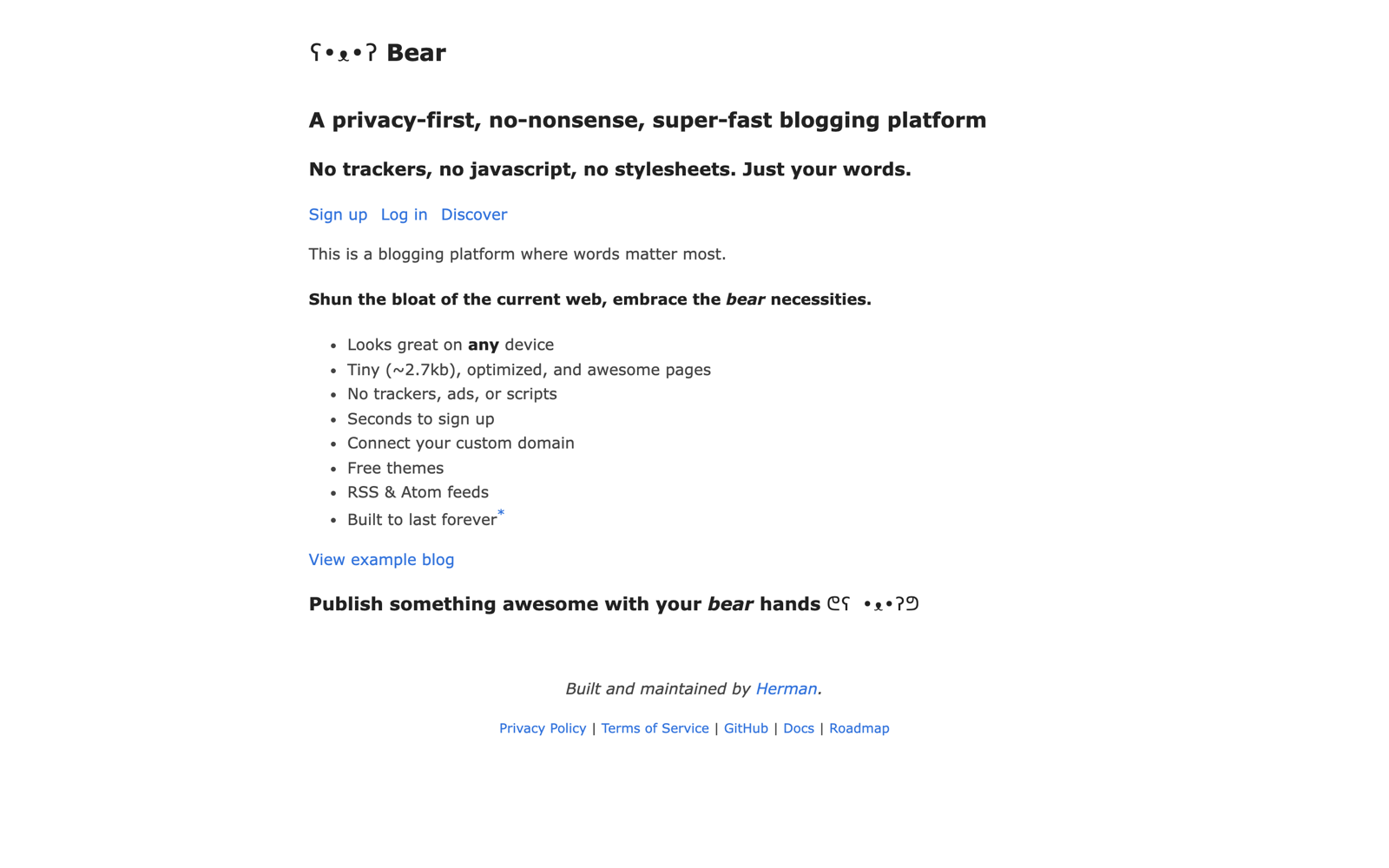
Bear Blog is where I’d send anyone who mainly wants to publish essays. The editor is a text field, the pages carry no JavaScript or tracking by default, and there are no ads at any tier.
Free blogs sit on a yourname.bearblog.dev subdomain. The paid upgrade adds a custom domain, media uploads, analytics and discovery inside Bear’s own network.
One free-tier detail catches people out. New blogs go through a manual review before Bear lets search engines index them or shows them in its discovery feed, and until a moderator clears it your blog carries tags that keep crawlers away. Paying skips the queue.
If you expected to publish on Tuesday and be findable on Wednesday, that’s the thing to know. Plan around it.
Honest limit: no media uploads and no subscriber capture on the free tier, plus that review wait. For text it’s the best free writing surface here. For a photo journal it isn’t in the running.
WordPress.com
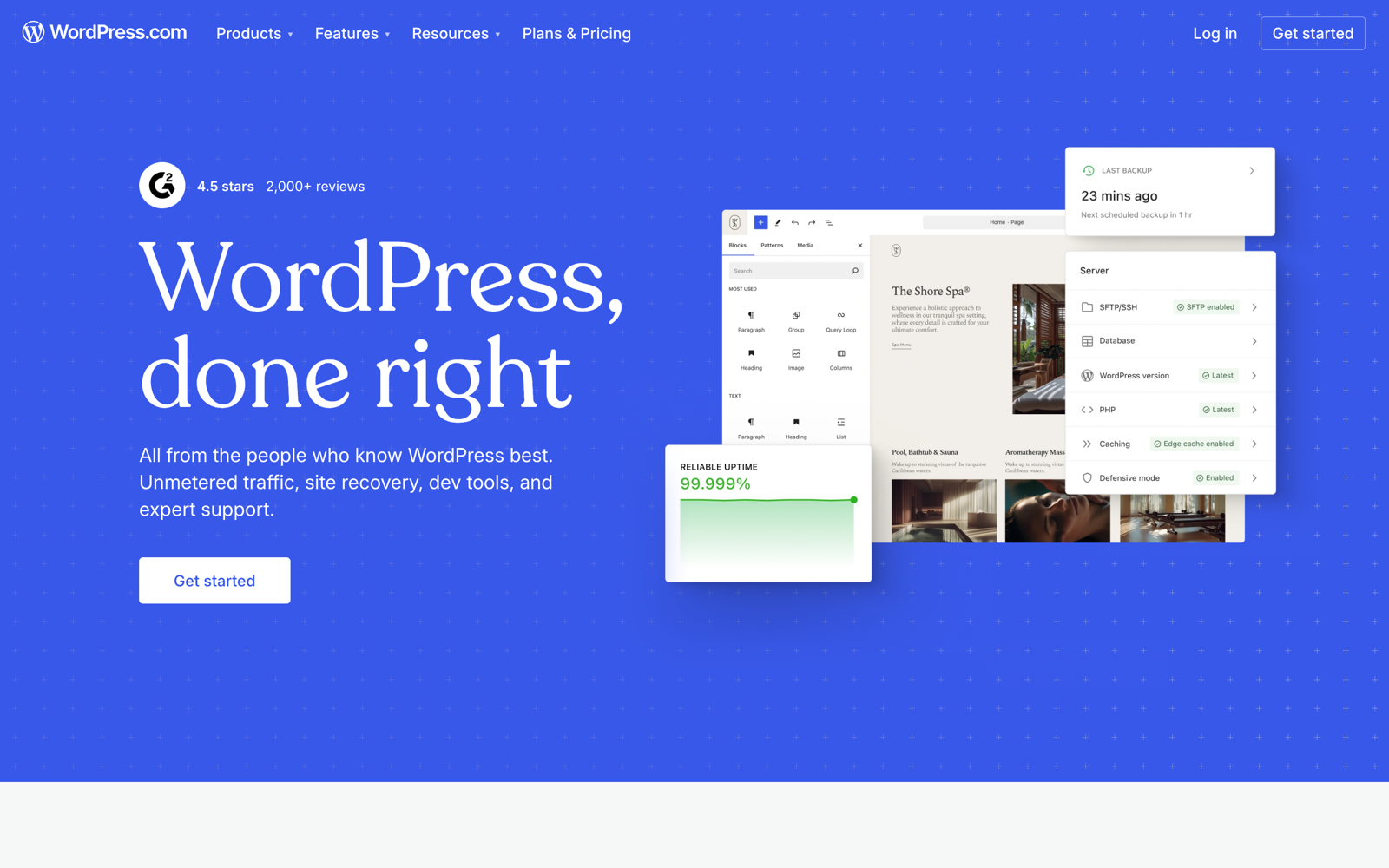
WordPress.com has the most room to grow of anything on this list, which is why it survives the first year better than the minimal platforms do.
The free tier gives you 1 GB of storage, a yourname.wordpress.com subdomain, and WordPress.com’s own ads on your pages.
The upgrade path changed in April 2026 and most write-ups still describe the old one. Plugin installs, theme uploads and custom CSS used to be a Business-plan feature. They now start at Personal, which also removes the ads, adds a custom domain and raises storage to 6 GB. If the hosted-versus-self-hosted question is the one you’re weighing, I’ve pulled the two apart in WordPress.com vs WordPress.org.
That matters more than it sounds. It means the cheapest paid step now gives you a real WordPress site rather than a slightly less restricted hosted one.
Honest limit: the free tier’s ads sit on your writing, and 1 GB fills up fast once you’re posting photos.
Substack
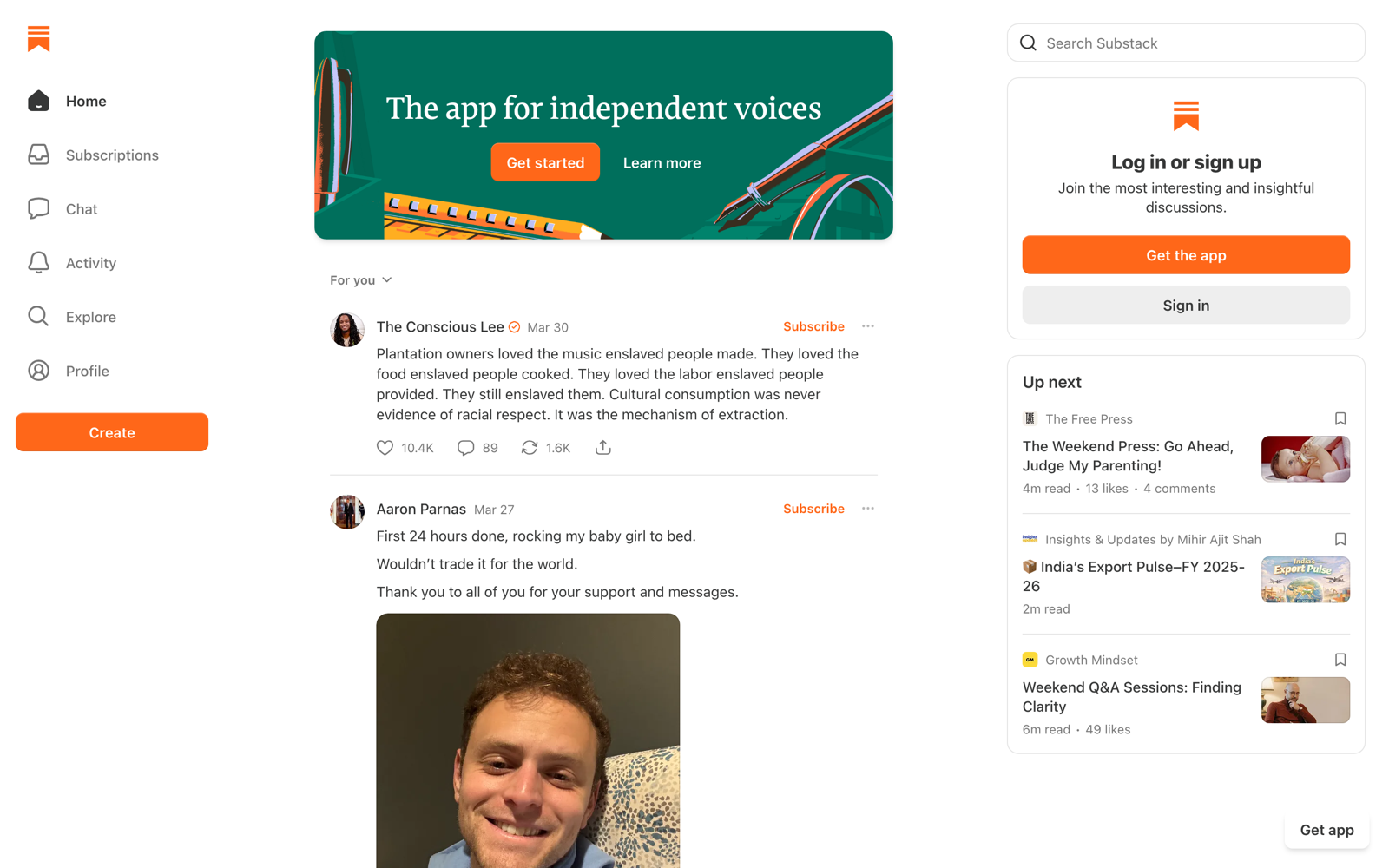
Substack is the right answer when the email is the product and the archive is a byproduct.
Free covers unlimited posts, unlimited subscribers and email delivery, and readers don’t need an account to subscribe. That last detail removes the biggest drop-off point in list building.
Money is where it gets specific. Substack takes 10% of paid subscriptions. Stripe then takes its own cut on top, currently 2.9% plus $0.30 a transaction and a 0.7% recurring billing fee. On a small monthly subscription that stack is a real bite, and it’s proportional forever rather than flat.
You do own your posts, and you can export them along with your subscriber list as CSV. What you can’t take is the hosting, the URL, the discovery or the delivery.
Honest limit: ownership and dependency are different things, and most write-ups muddle them. Your writing is yours. The machine it runs on isn’t.
Medium
Medium earns its place as a second home for writing that already lives somewhere else. As a primary personal blog it works against you.
Free covers unlimited posts with almost no design control, and the Partner Program pays writers out of member reading.
Whether a non-member can read a given story is the writer’s choice, story by story, rather than one sitewide rule. So the reach you get depends on a box you tick.
Borrowed reach.
Honest limit: the readers stay Medium’s. Turning them into people you can contact directly is the part nobody manages well.
Blogger

Blogger is the cheapest route to a personal blog on your own domain, and that is genuinely the whole case for it. Domain mapping is free, which almost nothing else here offers. If the monetization angle is what draws you, I’ve compared it head to head in WordPress vs Blogger for making money.
Images you upload don’t count against your Google storage quota. Blogger compresses and optimizes them in exchange, and there’s no way to keep originals at full quality.
Ads aren’t forced on you either. AdSense is a switch you turn on, not the price of entry.
Honest limit: the editor is old and the product barely moves. I’d keep exports running and avoid leaning on anything Blogger-specific that wouldn’t survive a migration.
Hashnode
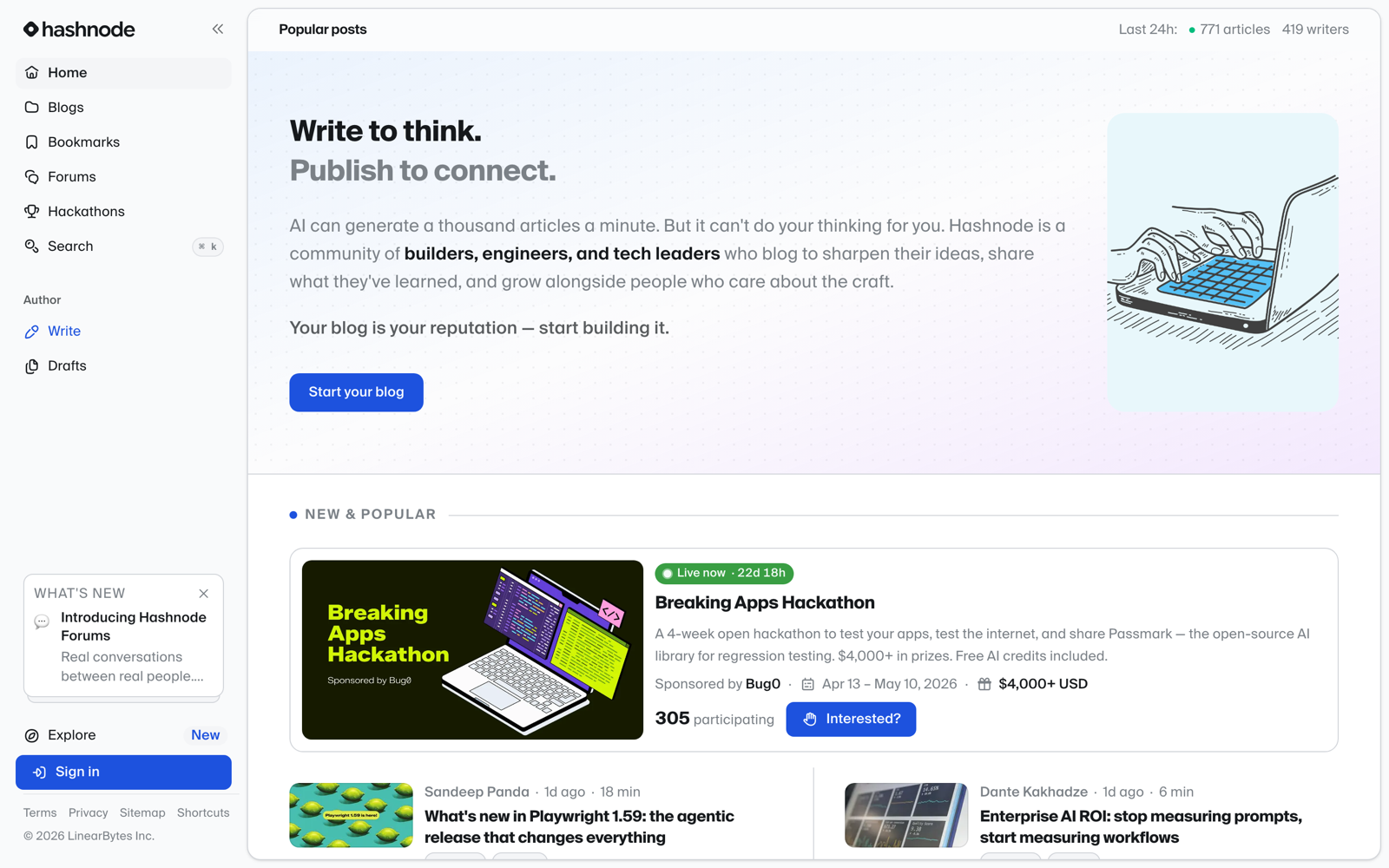
Hashnode is the one free platform that hands a developer a custom domain without asking for money, which makes it a real archive rather than a profile.
Free covers unlimited posts, that custom domain, a markdown editor with syntax highlighting and the tag system feeding its discovery network.
It will publish non-technical writing perfectly well. The reason to think twice is everything around the post: the feed, the tags, the audience expectations and the recommendations are all built for software.
Honest limit: design control is thin next to WordPress or Ghost.
DEV Community
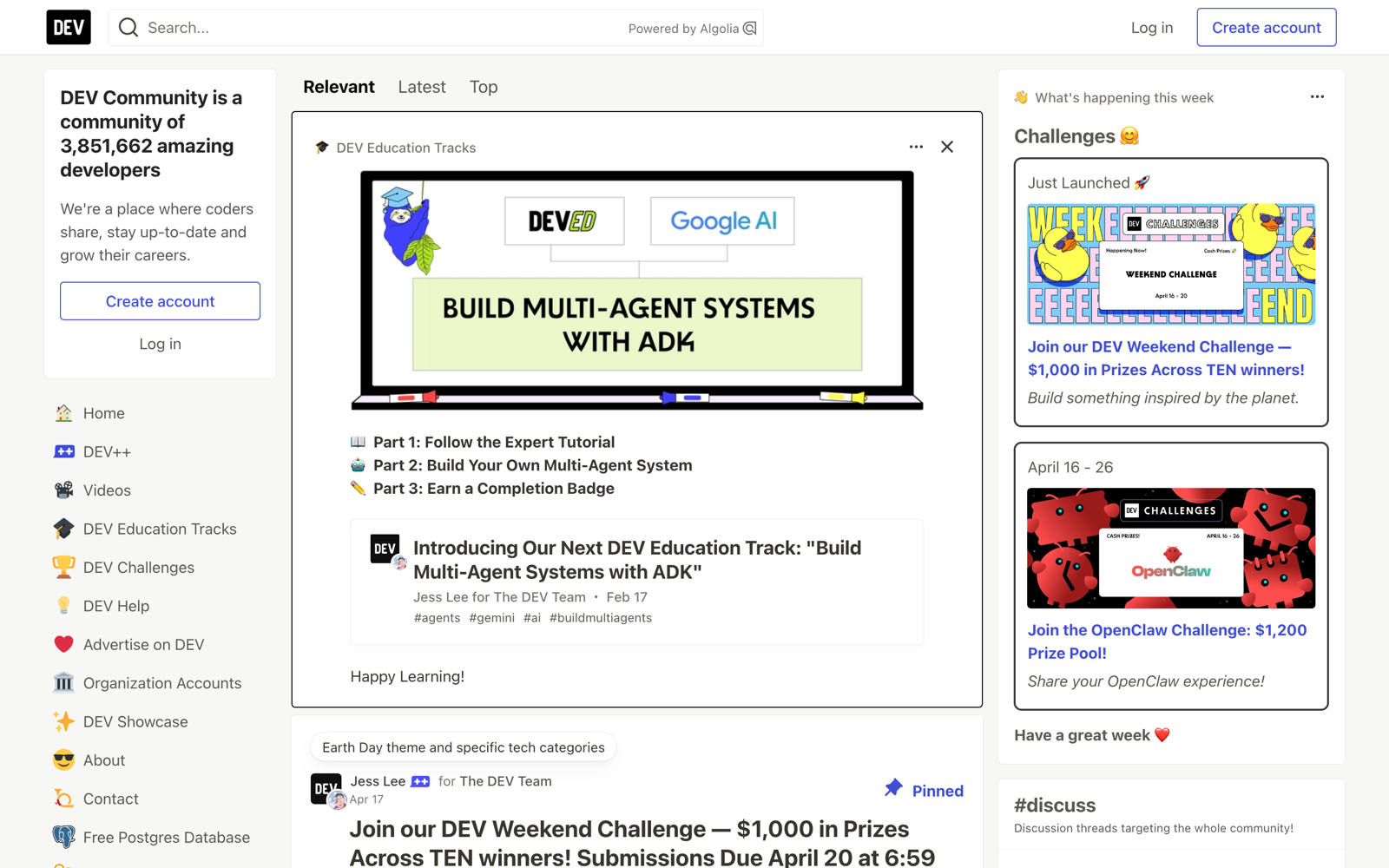
DEV works best as a distribution channel pointed back at a blog you own, not as the blog itself.
The useful mechanism is RSS import. You give DEV your existing feed, tick the option that marks the original as the canonical URL, and your posts reach its audience while search engines keep crediting your site.
Comments here are active in a way they aren’t on most platforms, which is its own reason to show up.
Honest limit: a DEV profile is a publishing profile. There’s no custom domain for an individual profile, so treat it as reach rather than as your archive.
Mataroa
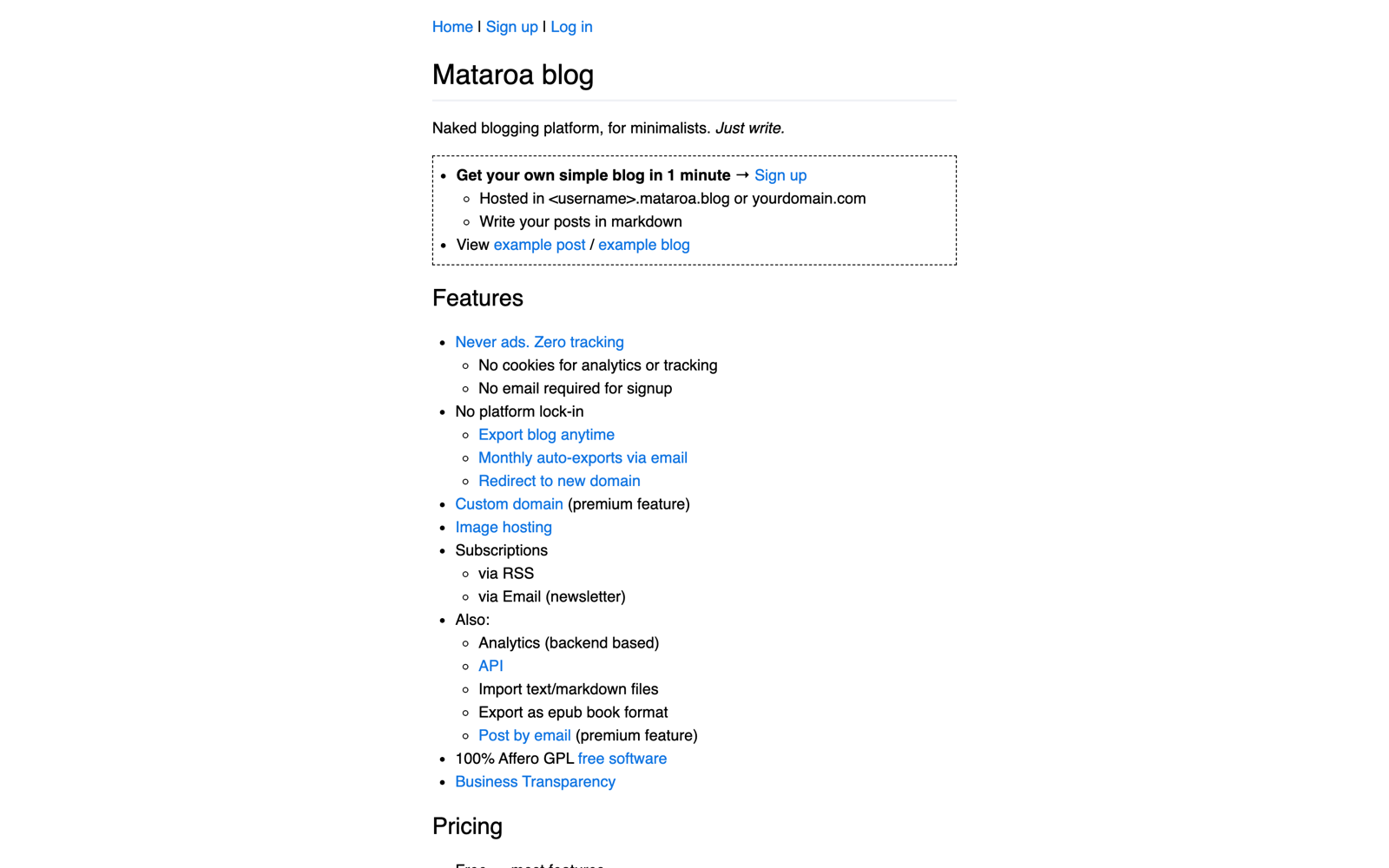
Mataroa is the most underrated free tier on this list. It quietly includes things the better-known minimal platforms charge for.
Free covers image hosting, RSS, email subscriptions, per-post comments, backend analytics, API access, Markdown import, exports and EPUB export. $9 a year adds a custom domain and posting by email. The software is open source under the AGPL, so self-hosting is a genuine exit rather than a theoretical one.
For a personal journal that might want a handful of readers by email, that free tier beats Bear’s.
Honest limit: the restriction is deliberate and it’s aesthetic. No themes, no custom CSS, no favicon, no categories or tags. You get one look and it isn’t yours. It’s also maintained by one person, which is worth knowing before you build a decade of writing on it.
Tumblr
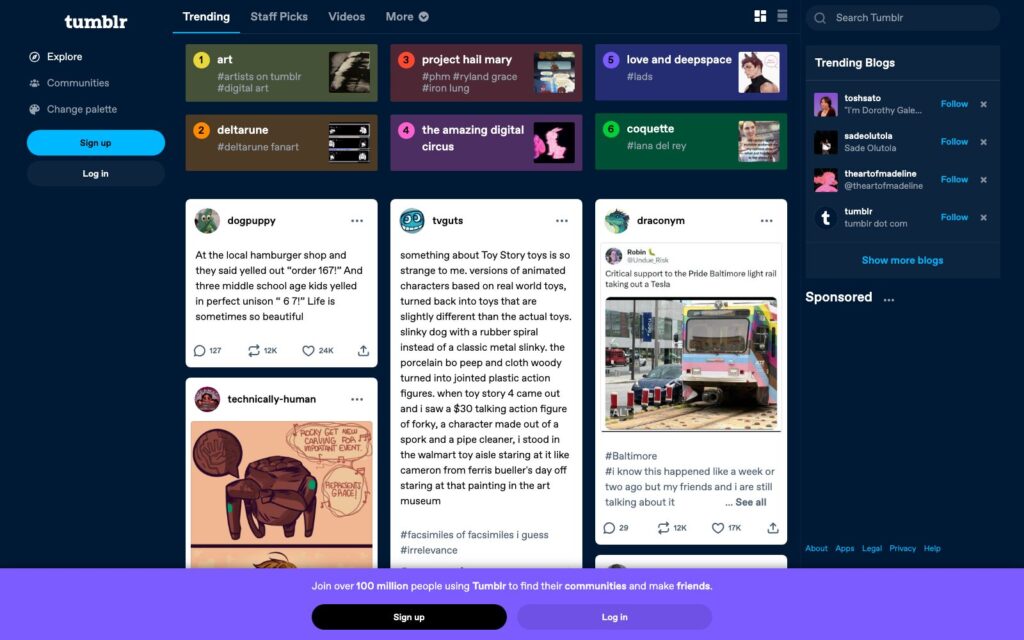
Tumblr is the only platform here where other people’s sharing is the distribution, which makes it a different product from everything else on the list.
Free gives you unlimited posts, custom themes and a subdomain. Reblogs, likes and replies do the work a minimal blog platform leaves entirely to you.
Two things worth correcting. Tips ended on 1 June 2024, so there’s no built-in creator revenue any more, and Blaze is you paying to promote a post rather than you earning from one. Custom domains now run through Tumblr’s own registrar, with older external connections surviving as legacy setups you may not be able to re-add once disconnected.
The format suits short text, images, art and fandom posts. A long essay archive fights the feed instead of using it.
Wrong shape.
Honest limit: portability is the weakest here.
Ghost, Pika and the Ones I Left Off
Four things that came up while putting this together and don’t belong in the list above.
Ghost is the paid alternative, not a free platform. Ghost(Pro) starts at $18 a month billed yearly, and paid subscriptions, custom themes and integrations begin on the $29 Publisher plan. There’s a trial, not a free tier. On the Substack comparison people always ask about: 10% of $290 in monthly subscription revenue is $29, which is roughly where Publisher stops costing more than the revenue share does. That ignores Stripe’s fees and Ghost’s own member-count tiers, so treat it as a rough crossing point rather than a rule.
Pika is worth watching, and I haven’t tested it. Its free tier runs to 50 posts, 3 pages, image uploads, tags, RSS and theming, with no newsletter subscribers and no custom domain. Pro is $6 a month, or $5 a month billed annually. I’m naming it because it’s a genuine free option for a small hobby blog, not because it’s been through what the nine above have.
Write.as no longer has open free registration. New free accounts need an invitation from an existing user, or you join another WriteFreely community. It’s still a good minimal, pseudonym-friendly platform. It just isn’t a freely available one any more.
Left off deliberately: Wix and Weebly, which are site builders with heavy branding and weak export, and better covered in my free website builders roundup. Notion, which publishes pages but has no real RSS or clean post export. Micro.blog, which is good and costs money from day one.
What Each Platform Lets You Take With You
Every platform here will export something. The gap is between an export that rebuilds your blog somewhere else and one that hands you a folder of text.
| Platform | What the export contains | What you’ll sort out yourself |
|---|---|---|
| WordPress.com | WXR with posts, pages, categories and tags | Media files, layout, and whatever the theme was doing |
| Substack | Post archive plus a subscriber CSV | Design, URLs, paid subscriptions and comments |
| Medium | HTML archive | Formatting, image references and every URL |
| Blogger | XML | Images, which come back as compressed copies rather than originals |
| Bear Blog | Markdown | Images, metadata and redirects |
| Mataroa | Markdown, plus a full export and EPUB | Layout, which barely exists anyway |
| Hashnode | Markdown | Design and the tag relationships |
| DEV Community | Markdown | Comments, which were the reason to be there |
| Tumblr | A backup archive | Most of it, honestly |
How long any of this takes depends on your post count, your image count and how much formatting you leaned on. Anyone quoting you hours per post hasn’t seen your blog.
When Self-Hosted WordPress Is the Better Call
Self-hosted WordPress is the right starting point when you already know this is a multi-year project and you want the domain, the list and the monetization to be yours from post one.
What it buys you is control and replaceability. You can change host, theme, newsletter tool or payment processor without moving your writing. What it doesn’t buy you is independence, because you still depend on a host, a registrar, a payment processor, plugins and their licenses. Anyone selling it as freedom from other people’s decisions is overselling.
Control, not independence.
It’s the wrong starting point if you haven’t yet proved to yourself that you’ll keep writing. Publish 10 posts on something free first.
Still going at post 10? Move. The setup is a different article, and my guide to how to start a blog walks the whole thing. If you’re stuck on what to call it, the blog name generator exists for exactly that.
The Limits
Four things this guide can’t do for you.
- Free tiers move. Plugins reached WordPress.com’s Personal plan in April 2026, Tumblr’s tipping ended in 2024, Write.as closed open signups years ago. Check the current page before you commit anything you’d hate to move.
- I’ve tested the free tiers, not every paid tier. Where a paid plan changes the decision I’ve said what it costs and what it adds, but I haven’t lived on most of them.
- Pika is researched, not tested. It’s in this article on documentation rather than experience, which is exactly why it’s kept out of the list above.
- Fit is personal. I can tell you Bear is the cleanest place to write an essay. I can’t tell you whether you’ll enjoy writing in a bare text field, and plenty of people don’t.
What Quietly Ruins a Personal Blog
None of these look like mistakes at the time.
Picking the platform before deciding what you’ll publish. It’s the most enjoyable part of starting a blog and the least important one, and it quietly reverses the actual order. The format decides the platform.
Choosing on features you’ll never switch on. Monetization, memberships and custom themes all sound like they matter at post zero. What matters at post zero is whether you’ll open the editor again on Thursday.
Uploading photos to a free tier with no media handling. It works right up until the post where it doesn’t, and by then you’ve built an archive on links to images living somewhere you don’t control.
Never running an export. The one time you need it is the one time the platform has changed, closed or locked you out. Run it now, while nothing is wrong, and you’ll know what you’d actually get back.
Treating a pen name as a privacy setting. Publishing under another name hides you from readers, not from the platform. If the writing genuinely needs to be untraceable, the account and the email behind it matter far more than the byline does.
FAQs on Personal Blog Sites
What’s the best free site for a personal blog?
It depends on what you’re publishing. Bear Blog for essays, WordPress.com for a general personal blog with room to grow, Substack when email is the point, Mataroa for a journal, Hashnode for developer writing and Tumblr for short visual posts. There isn’t one winner, because a photo journal and an essay archive want opposite things.
Which platform is best for a private or pen-name blog?
Mataroa or Bear Blog. Both let you publish under any name with a minimal public profile and no social layer pulling your identity into view. Worth being clear about the boundary: a pen name hides you from readers, not from the platform, so the account and email behind it matter more than the byline.
Which free personal blog site handles photos best?
WordPress.com, which gives you 1 GB on the free tier and real media handling. Blogger is a strong second because uploaded images don’t count against your Google storage quota, though it compresses them and won’t keep originals at full quality. Bear Blog’s free tier has no media uploads at all.
Can I get a custom domain on a free plan?
On two of these. Blogger maps a domain you own for free, and Hashnode includes a custom domain on its free tier. Everywhere else it’s a paid step: Mataroa asks $9 a year, and WordPress.com, Substack, Medium and Tumblr all put it behind a plan.
Can I export my posts, images and subscribers?
Posts, almost always. Images and subscribers, much less often. WordPress.com gives you WXR, Substack gives you a post archive plus a subscriber CSV, Mataroa exports fully including EPUB, and Bear, Hashnode and DEV hand you Markdown. Images usually have to be collected separately, and comments rarely travel at all.
Is Substack a blog or a newsletter?
Both, with the newsletter leading. Every post goes out by email and also lives on a public archive page. If you want the archive to be the main thing and email to be optional, a blog-first platform fits better.
Is Ghost free?
No. Ghost(Pro) has a trial rather than a free tier, and starts at $18 a month billed yearly, with paid subscriptions and custom themes beginning on the $29 Publisher plan. Ghost’s software is open source, so self-hosting is free of licence cost but needs a server and the skills to run it.
Is Medium a good place for a primary personal blog?
Not really. It’s good for reaching readers you didn’t bring, which makes it a useful second home for writing that already exists on your own site. As a primary blog the problem is structural: the readers stay Medium’s, and moving them somewhere you control later is the part almost nobody manages.
Should I start free or go straight to self-hosted WordPress?
Start free unless you already know you’ll keep writing. Publish 10 posts on Bear Blog, Mataroa or WordPress.com and see whether you open the editor without forcing yourself. If you do, move to self-hosted WordPress and take the archive with you. If you don’t, you’ve lost nothing.
Final Remarks
The platform question feels bigger than it is, because it’s the last decision you get to make before you have to write something.
Pick by what you intend to publish, check what the export hands back, and start. Bear Blog or Mataroa if it’s essays, WordPress.com if you want room to grow, Substack if it’s email.
You can move later. Nearly everyone does, and the archive survives it. What doesn’t come back is the six months spent comparing feature tables instead of publishing.
Pick one this week and put 3 posts on it.
Tell Google you want more of this.
Add Gaurav Tiwari as a preferred sourceOne tap, and this site shows up more often in your own Top Stories, AI Overviews and AI Mode. Remove it any time.
