
Five Best 5K Monitors of 2026
5K monitors used to be a niche curiosity. Now they’re a legitimate productivity tool for anyone who works with high-resolution media or needs serious screen real estate. The extra pixels over 4K aren’t just a spec sheet flex, they let you edit 4K video at native resolution while keeping your timeline and tools visible, or run multiple apps side by side without squinting.
I’ve been tracking this category for a while, and the options have improved significantly. Whether you want a standard 27-inch 5K panel, a massive ultrawide, or Apple’s reference-grade XDR display, there’s a clear pick for each use case. Here are the best 5K monitors you can buy in 2026.
Best 5K Monitors in 2026
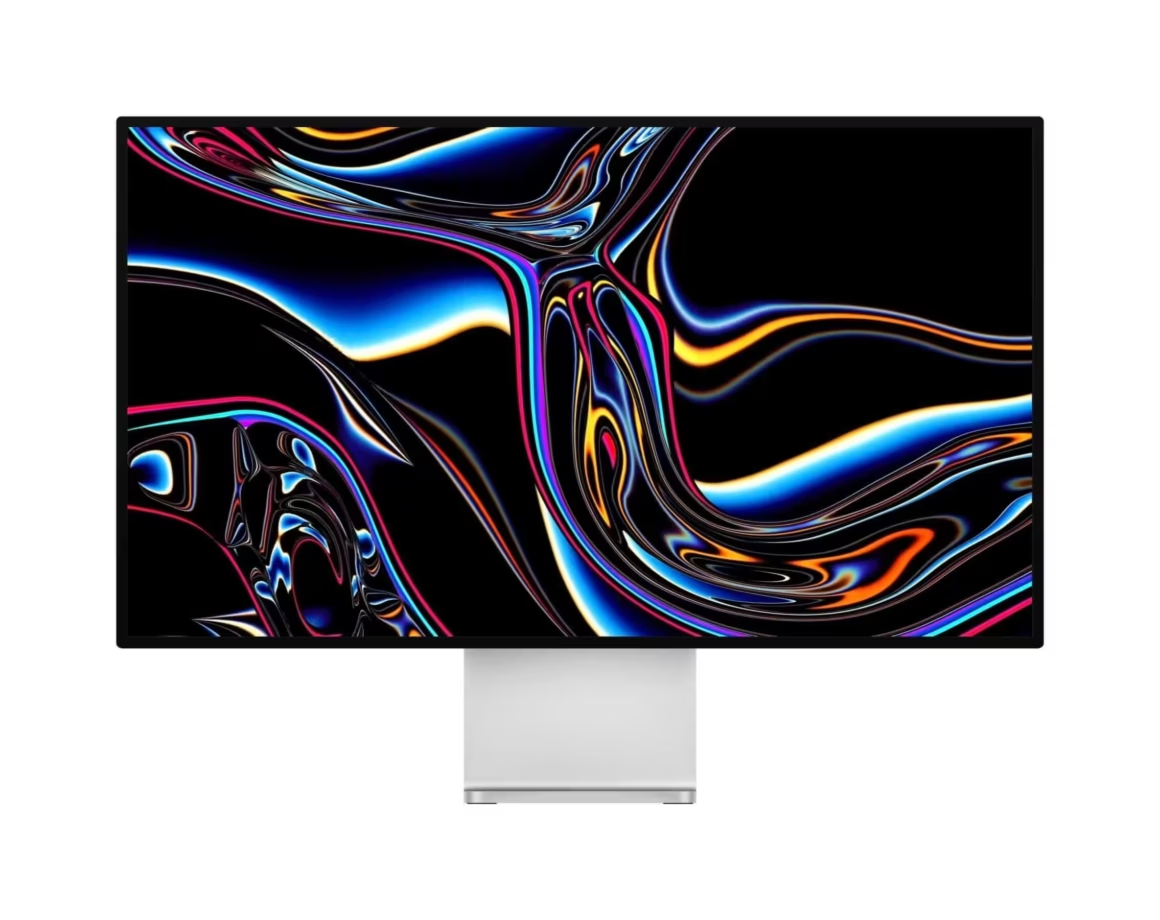
Here are my top five picks for 5K monitors, covering ultrawides, standard panels, and professional reference displays.
Philips 499P9H 49-inch SuperWide Curved Monitor

PHILIPS Brilliance 499P9H 49" SuperWide Curved Monitor
- 9 LED monitor with dual QHD (5120×1440) resolution.
- 1800R curved VA screen for immersive field of view with wide-viewing angles.
The Philips 499P9H is a 49-inch beast that essentially replaces two monitors with a single curved ultrawide panel. At 5120×1440, it gives you a massive horizontal workspace that’s perfect for multitasking. I use it as a reference for anyone who wants to ditch the dual-monitor setup.
The 8-bit VA panel covers the basics well, though it’s not the best choice for color-critical photo or video work. Where it shines is connectivity: USB-C with power delivery, a built-in KVM switch, and even a pop-up webcam with Windows Hello support. The 1800R curvature helps with immersion on a screen this wide, and adaptive sync makes it passable for casual gaming at 60fps.
If you want one screen that does everything, from spreadsheets to video calls to light gaming, the Philips 499P9H is the most versatile ultrawide in the 5K class. Just don’t expect reference-grade color accuracy.
Dell UltraSharp U4021QW

Dell U4021QW UltraSharp 40-inch Curved WUHD Monitor
- China.
- 42.5" L x 21.0" W x 9.5" H.
The Dell UltraSharp U4021QW is a 40-inch curved ultrawide with a 5120×2160 resolution and a 21:9 aspect ratio. It’s built for productivity-focused professionals who need accurate colors and lots of screen space. The 10-bit IPS panel covers 100% sRGB and 98% DCI-P3, with Delta E under 2 out of the box. That’s genuinely good for creative work without additional calibration.
Connectivity is comprehensive: Thunderbolt 3, DisplayPort 1.4, two HDMI 2.0 ports, USB hub, RJ45 Ethernet, and a 3.5mm audio jack. The built-in KVM switch lets you control two machines with one keyboard and mouse. Dell also includes dual 9-watt speakers, Picture-in-Picture, and Picture-by-Picture modes.
For content creators and office professionals who need a single large display with serious color performance, the Dell U4021QW delivers. The 2500R curvature keeps the edges visible without head-turning, and the overall build quality is what you’d expect from Dell’s UltraSharp line.
Apple Pro Display XDR

- 32-inch LCD display with Retina 6K resolution (6016 by 3384 pixels).
- Pro Stand and VESA Mount Adapter sold separately.
The Apple Pro Display XDR starts at $4,999 (stand sold separately for another $999), and it earns that price tag. This is a 32-inch 6K display (6016×3384) with XDR brightness, meaning it sustains 1000 nits full-screen and peaks at 1600 nits. The 576-zone LED backlight with individual modulation delivers contrast that competes with reference monitors costing $30,000+.
Color performance is exceptional: P3 wide color gamut, 10-bit depth, and hardware reference modes for HDR, SDR, photography, and film workflows. The lattice cooling design on the back is functional, not decorative, keeping the panel thermally stable without fans.
Connectivity is limited to one Thunderbolt 3 port and three USB-C ports. No HDMI, no DisplayPort, no speakers (it has them, but they’re basic). This monitor is built for Apple workflows where color accuracy and HDR performance are non-negotiable. If you’re editing feature films, grading photos for print, or doing high-end motion graphics, this is the display. For everyone else, the price is hard to justify.
LG UltraWide 40WP95C-W
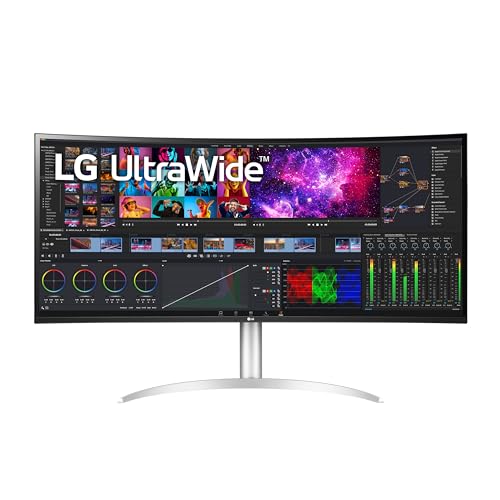
LG 40WP95C-W 40" UltraWide Curved WUHD (5120 x 2160) 5K2K Nano IPS
- The 5K2K UltraWide (5120 x 2160) resolution is great for your creative work as it can display everything you are working on – from.
- Built in Speakers x 2 with Rich Bass.
The LG 40WP95C-W is my pick for the best overall 5K ultrawide. It edges out the Dell U4021QW in several ways: HDR support, a higher 72Hz refresh rate, and Thunderbolt 4 connectivity with 96W power delivery. The Nano IPS panel at 5120×2160 delivers strong color accuracy with DCI-P3 98% coverage, and it’s hardware calibration-ready.
For gaming, it’s decent. AMD FreeSync support and a 5ms GtG response time mean it handles slower-paced, visually rich games well at that ultrawide resolution. You won’t be playing competitive shooters on it, but strategy games and RPGs look stunning.
Other features include 10-watt speakers, ambient light sensor, Dynamic Action Sync for reduced input lag, daisy-chain support for multiple 5K monitors, and a solid port selection (two Thunderbolt 4, two HDMI, two USB 3.0, DisplayPort, and audio jack). If you want one monitor that handles creative work, office productivity, and occasional gaming, this is the one to get.
LG Ultrafine 27MD5KL-B
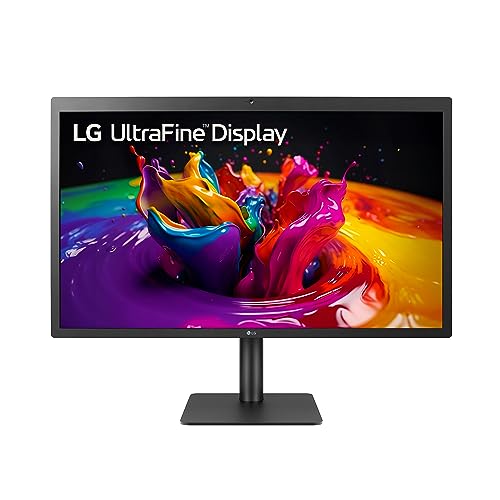
LG 27MD5KL-B 27 Inch UltraFine 5K (5120 x 2880) IPS Display
- 27 Inch 5K (5120 x 2880) IPS Display.Aspect ratio:16:9.Viewing Angle:178.0 degrees.Response time:14.0 milliseconds. Contrast Ratio.
- DCI-P3 99% Color Gamut / 500nits Brightness.
The LG Ultrafine 5K is a 27-inch panel at 5120×2880, originally developed in collaboration with Apple as a companion display for MacBook Pro. It’s essentially the same spec sheet as Apple’s Studio Display at a lower price, though the design is noticeably less polished with thicker bezels.
The IPS panel delivers 10-bit color, 99% DCI-P3 coverage, and 500 nits brightness. That’s excellent for photo editing, design work, and video production. The pixel density at 27 inches makes text razor-sharp, which is a big deal if you spend hours reading code or documents.
Connectivity is minimal by design: one Thunderbolt 3 port and three USB-C ports. No HDMI, no DisplayPort, no buttons, not even a power button. It includes a webcam, microphone, and speakers. This is the best 5K monitor for MacBook users who want Apple-level text rendering and color accuracy without paying Apple Studio Display prices. Windows users can make it work too, but make sure your PC has a certified Thunderbolt 3/4 port.
Frequently Asked Questions
What is a 5K monitor and how is it different from 4K?
A 5K monitor has a resolution of 5120×2880 pixels (standard 16:9) or 5120×2160 pixels (ultrawide 21:9). That’s roughly 40% more pixels than a 4K display. The extra resolution means sharper text, more screen real estate for multitasking, and the ability to edit 4K video at full resolution while keeping your tools visible.
Who actually needs a 5K monitor?
Creative professionals benefit the most. Video editors, graphic designers, photographers, and 3D artists who work with high-resolution assets will notice a real difference. Developers and finance professionals who need lots of screen space also benefit. For casual use or gaming, 4K is usually more than enough.
Are 5K monitors worth the price for non-professionals?
For most people, probably not. The jump from 4K to 5K is less dramatic than 1080p to 4K. Unless you work with high-resolution media daily or need the extra screen real estate for productivity, a quality 4K monitor will serve you well at a lower cost.
Do I need a special cable or port for a 5K monitor?
Yes. Most 5K monitors require Thunderbolt 3, Thunderbolt 4, or DisplayPort 1.4 (with DSC) to handle the bandwidth at full resolution. HDMI 2.0 typically maxes out at 4K 60Hz. Check that your computer has a compatible port before buying.
Can I use a 5K monitor with a Windows PC?
Absolutely. While some 5K monitors like the LG Ultrafine were designed with Macs in mind, they work with Windows PCs that have Thunderbolt 3/4 or DisplayPort 1.4 outputs. Windows scaling works well at 5K, though you may need to fine-tune the display settings for the best experience.
What is the difference between a 5K ultrawide and a standard 5K monitor?
A standard 5K monitor (like the LG Ultrafine 27MD5KL-B) uses a 16:9 aspect ratio at 5120×2880 pixels on a 27-inch screen. A 5K ultrawide (like the Dell U4021QW or LG 40WP95C-W) uses a 21:9 ratio at 5120×2160 on a 40-inch screen. Ultrawides give you more horizontal workspace, while standard 5K displays offer higher pixel density.
Is a 5K monitor good for gaming?
It can work, but it’s not ideal. Most GPUs struggle to push 5K resolution at high frame rates. Ultrawide 5K monitors with FreeSync support (like the LG 40WP95C-W) handle visually rich games reasonably well at 60-72Hz, but competitive gamers are better off with a high-refresh 1440p or 4K display.
How do I choose between the Apple Pro Display XDR and cheaper 5K monitors?
The Pro Display XDR is a professional reference monitor with XDR brightness, exceptional contrast, and P3 wide color gamut. It’s built for color-critical work in film, photography, and design. If you don’t need reference-grade accuracy or HDR at 1600 nits, monitors like the LG Ultrafine 5K or Dell UltraSharp offer strong 5K performance at a fraction of the cost.