
11 Best Instagram Reels Downloaders to Save Reels Locally
You found an Instagram Reel you want to keep. Maybe it’s a recipe, a workout routine, or a tutorial you’ll need again later. You tap around looking for a download button, but Instagram doesn’t have one. There’s no built-in way to save Reels locally.
So you try the workarounds. Screenshots lose quality. Screen recording cuts off the audio or crops the frame. And those “free downloader” sites you find on Google? Half of them are loaded with pop-up ads, sketchy redirects, and fake download buttons that install who-knows-what on your device.
I’ve tested the tools that actually work without the junk. Some are web-based, some are mobile apps, and one is a desktop app for batch downloads. Here are 11 Instagram Reels downloaders that download Reels cleanly and save them as MP4 files you can keep offline.

| Tool | Platform | Type | Price |
|---|---|---|---|
| Inflact | Web | Web-based | Free |
| Story Saver for Instagram | Android | App | Free |
| FastDL | Web | Web-based | Free |
| InSaver | iOS | App | Free |
| Instadp | Web | Web-based | Free |
| Reels Downloader | Android | App | Free |
| ETM Video Downloader | Android | App | Free |
| Boom Mod | Android | App | Free |
| InstDown | Android | App | Free |
| Instant Save+ | iOS | App | Free |
| Allavsoft | Windows, Mac | Desktop app | $19.99 (one-time) |
Top Instagram Reels Downloaders
- Inflact for browser-based downloading with no login required
- Story Saver for saving Stories and Reels on Android
- FastDL for fast, ad-light web downloads
- InSaver for iPhone and iPad users
- Instadp for downloading profile pictures and Reels
- Reels Downloader for simple Android Reels saving
- ETM Video Downloader for bulk Instagram video downloads
- Boom Mod for high-quality Reels downloads on Android
- InstDown for lightweight Android Reels saving
- Instant Save+ for iOS with batch download support
- Allavsoft for desktop power users who download from multiple platforms
Best Instagram Reels Downloaders
Here are my picks for the best apps and tools to safely download Instagram Reels to your phone or computer for offline viewing.
Inflact
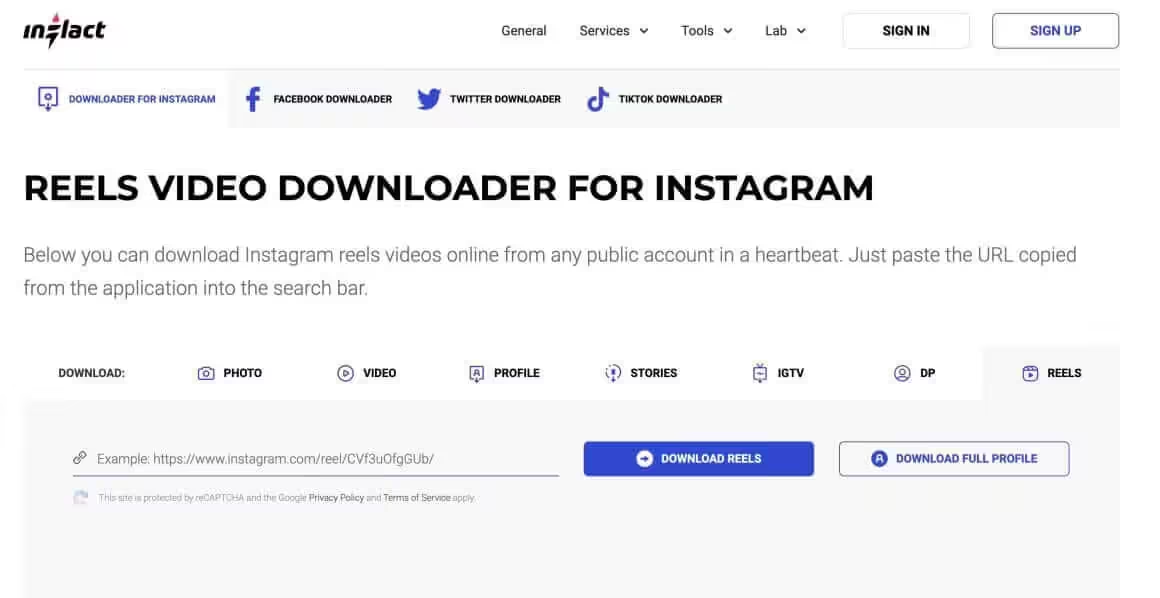
Inflact’s Instagram downloader is one of the best tools for quickly downloading Instagram Reels. The standout feature is that it lets you download videos directly to your desktop, laptop, or mobile device without installing anything.
All you need to do is go to the website and paste the Instagram Reel link that you copied from the Instagram app or website.
To copy an Instagram Reel link, follow these steps:
- Navigate to the Reel you want to copy the link for, either by scrolling through your feed or by visiting the profile of the user who posted the Reel.
- Tap on the Reel to open it in full screen.
- In the bottom right corner, you’ll see three dots (ellipsis icon) representing the “More” menu. Tap on these dots.
- A menu with various options will appear. Look for the “Copy Link” option and tap on it.
- The Instagram Reel link is now copied to your clipboard.
A similar process works on Instagram’s desktop website.
Story Saver for Instagram and Insta Story Downloader
Story Saver for Instagram and Insta Story Downloader is a solid choice for Android users who want to download Instagram Reels. You can download it from the Google Play Store and use it to grab Reels with just a few taps.
After installing the app, visit Instagram and find the Reel you want to download. Share it to Story Saver and tap the “Download” button to save it to your device. It can download several videos at once and also lets you download photos and videos from private accounts you follow.
FastDL (Formerly Igram.io)
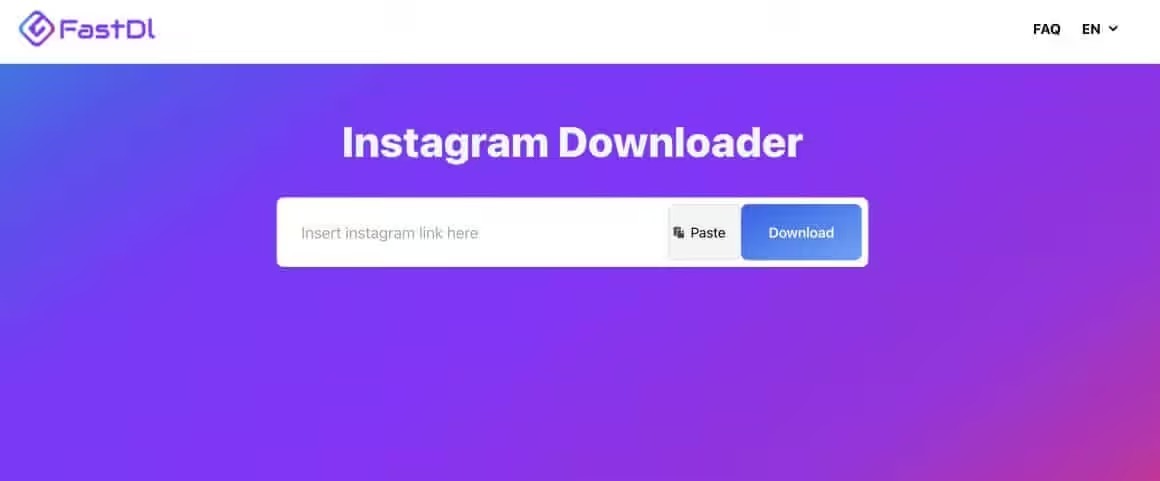
FastDL is an all-in-one Instagram downloader with a clean interface and minimal ads. Both the desktop and mobile versions of the website work well. You can also add it to your device’s home screen for quick access.
To download Instagram Reels, copy the Reel video link, paste it on FastDL, and click the “Download” button. That’s it.
InSaver for iOS
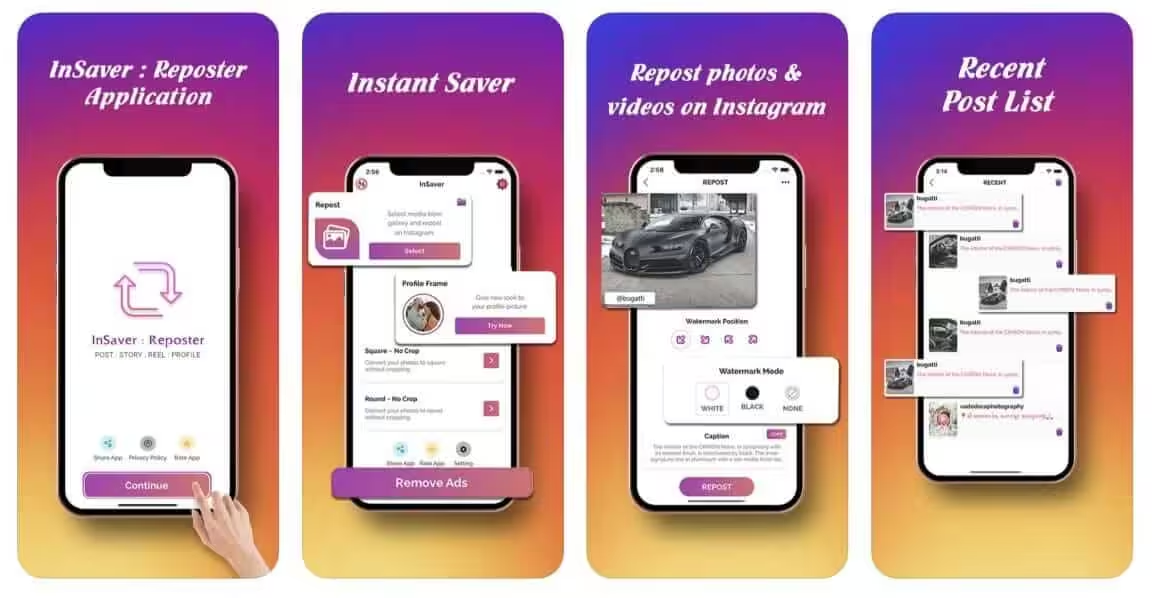
If you’re an iPhone user, InSaver makes it easy to download Instagram Reels. It also has options to repost content to your Instagram account and archive videos and photos securely.
You can download InSaver from the Apple App Store. After installing, copy the video link of the Reel you want, paste it in the InSaver app, and download the video to your iPhone.
Instadp
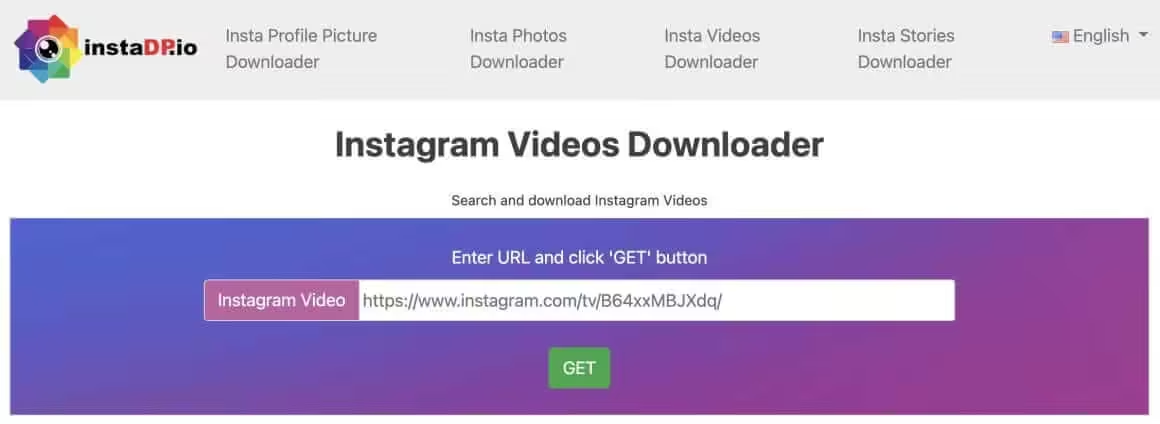
Instadp is another reliable website for downloading Instagram Reel videos to your computer or mobile device. Paste the video link on the website and your video starts downloading immediately. It’s one of the safer platforms out there compared to some of the sketchier alternatives.
You can also use Instadp to download Instagram Stories. Just copy the story link, paste it on the website, and click the “Download” button next to the preview.
Reels Downloader
The Reels Downloader app from Ezapo Technologies is a solid tool for Android users. It has a straightforward interface and, unlike most other apps, doesn’t constantly bombard you with ads. Apart from Instagram Reels, you can use it to save high-quality multimedia files, share, delete, and repost photos and videos directly from the app.
To get started, open Instagram and find the Reel you want to download. Copy the video link and paste it into the Reels Downloader app. It’ll immediately start downloading the video to your Android device.
Video Downloader for Instagram by ETM Video Downloader
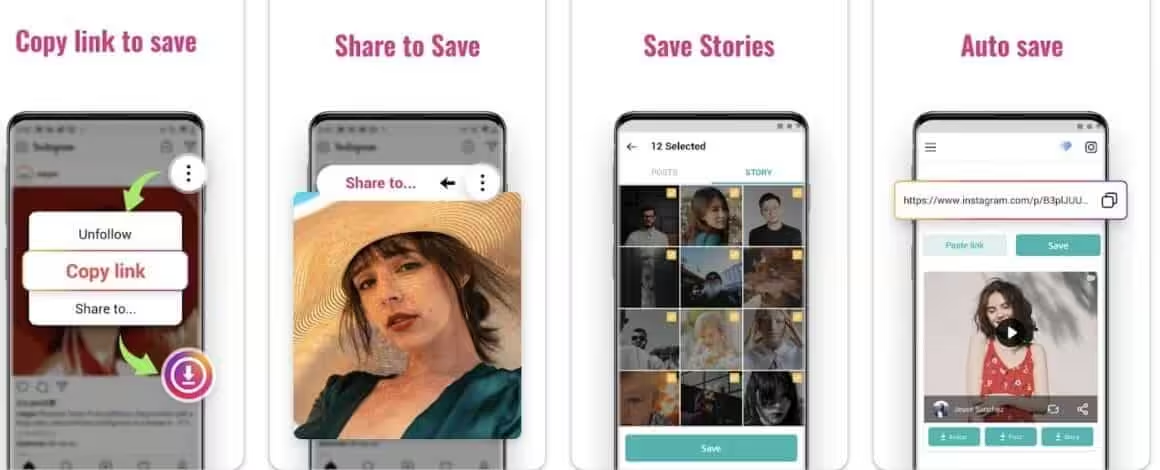
Video Downloader for Instagram is a full-featured Android app with all the necessary functions for downloading and managing Instagram content. After downloading media from Instagram, you can use the app to share it on other social networks.
It stores all downloaded material in a separate section that you can access even when you’re offline. To download Reels, copy the link and paste it into the app. In the download section, click the “Download” button to get started.
Reels Video Downloader, Save Reels – Boom Mod
Reels Video Downloader, Save Reels – Boom is an unofficial but functional app for Instagram users. It downloads videos and images in the best quality possible. You can also edit downloaded videos within the app itself, without needing any other software.
Apart from Reels and Stories, the app lets you download all types of content from Instagram. It’s completely free and makes managing Instagram content easier.
Download and use this app at your own risk. Downloading apps from external sources can harm your device.
InstDown for Instagram Reels
The InstDown app is easy to use while still providing all the essential features you need. You can use it to download Reels and Stories from Instagram in their original quality, without any loss or limitation. It also lets you send downloaded media to any social network platform and to multiple accounts at once.
The app also lets you copy hashtags that go with the selected media, which is useful if you plan to repost the same content on different social networks.
Instant Save+
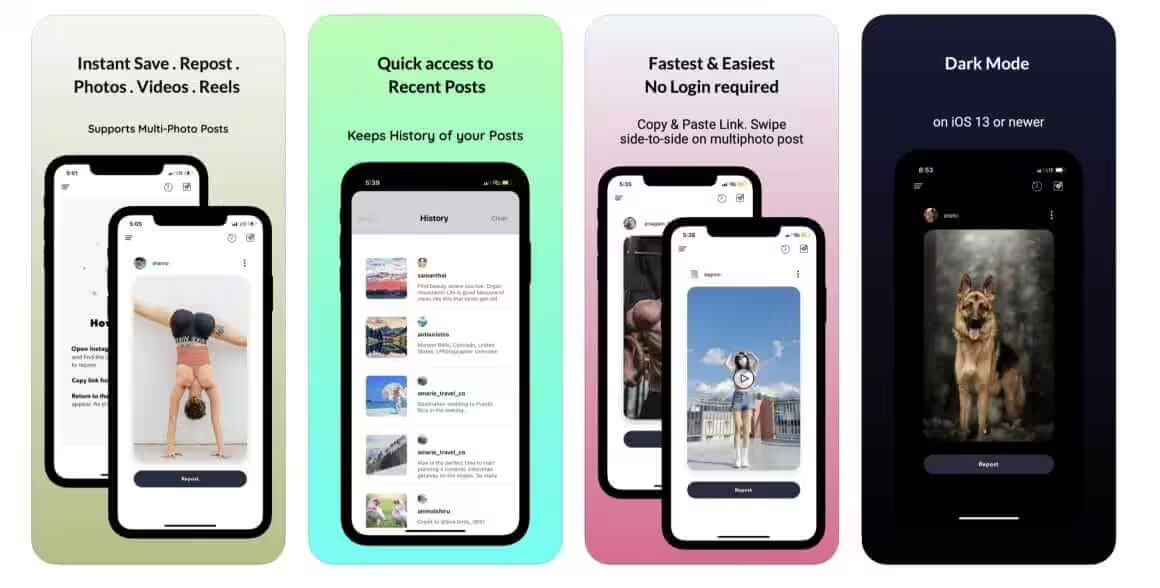
Instant Save+ is a fast, user-friendly, and free iOS app for downloading Reels and Stories from Instagram. Open the Instagram app or website in Safari on your iPhone, copy the Reel link, return to the Instant Save+ app, and wait for the post to appear automatically.
The app downloads high-resolution content and automatically copies the caption to the clipboard so you can paste it when reposting.
Allavsoft
Allavsoft is a desktop video downloader for Windows and Mac. It downloads from Instagram, YouTube, Vimeo, TikTok, and 1,000+ other sites. Unlike the web-based tools and mobile apps on this list, Allavsoft runs locally on your computer. You paste the Reel URL, pick your output format (MP4, MOV, AVI, etc.), and it handles the rest.
The biggest advantage is batch downloading. You can paste multiple URLs at once and let it download everything in one go. There are no browser pop-ups, no ads, and no sketchy redirects. It also has a built-in converter, so you can download as MP4 and convert to whatever format you need.
Allavsoft costs $19.99 as a one-time purchase. No subscription, no recurring charges. If you download Reels regularly or need to grab videos from multiple platforms, it pays for itself quickly.
Download for Windows | Download for Mac
Is it legal to download Instagram Reels?
Downloading Reels for personal, offline viewing falls under fair use in most cases. However, reposting, redistributing, or monetizing someone else’s content without their permission can violate copyright laws and Instagram’s Terms of Service. Always credit the original creator if you share their work.
Can you download Instagram Reels without an app?
Yes. Web-based tools like Inflact, FastDL, and Instadp let you download Reels directly from your browser. You just paste the Reel URL and click download. No app installation needed.
What’s the best format to save Instagram Reels in?
MP4 is the best format for downloaded Reels. It’s universally compatible across phones, computers, and social media platforms. Most downloaders save in MP4 by default. If you need a different format, desktop tools like Allavsoft can convert to MOV, AVI, MKV, and others.
Do these downloaders work with private Instagram accounts?
Most web-based downloaders only work with public accounts. Some mobile apps like Story Saver claim to support private account downloads, but you’ll need to be logged into your Instagram account and following the private profile for that to work.
Can Instagram detect if you download a Reel?
No. Instagram doesn’t notify users when someone downloads their Reels using third-party tools. Unlike screenshots on Stories (which Instagram used to notify about), Reel downloads happen outside of Instagram’s tracking.
What’s the best desktop downloader for Instagram Reels?
Allavsoft is the best desktop option. It supports batch downloads, works on both Windows and Mac, handles 1,000+ sites beyond Instagram, and includes a built-in format converter. It costs $19.99 as a one-time purchase.
Wrapping Up
If you just need to grab a Reel occasionally, any of the free web-based tools on this list will do the job. Inflact and FastDL are the cleanest options with the fewest ads. For iPhone users, Instant Save+ works well. For Android, InstDown and Reels Downloader are solid picks.
If you download Reels regularly, or you also grab videos from YouTube, TikTok, and other platforms, Allavsoft is the better investment. One-time cost, no ads, batch downloads, and format conversion built in. Pick the tool that matches how often you download, and you’re set.