
10 Best Mind Mapping Apps for Brainstorming and Learning
Linear notes bury connections. You write 40 pages of study notes, then can’t remember how Chapter 3 relates to Chapter 7. Bullet-point brainstorming sessions produce flat lists where every idea looks equally important. The structure of how you capture ideas shapes whether you actually use them.
Mind mapping software fixes this by making relationships visual. Branch an idea, drag it next to a related concept, and your brain starts seeing patterns that flat documents hide. The research backs it up: visual learning aids can improve recall by up to 32%.
These 10 apps cover every use case, from free solo brainstorming to enterprise-level team collaboration. Some are web-based, some work offline, and a few blur the line between mind mapping and project management.
Best Mind Mapping Apps
The best mind mapping apps
- MindMeister for real-time team collaboration with task management integration
- XMind for the best free offline mind mapping with Gantt chart views
- Ayoa for combining mind mapping with actionable task management
- Mind42 for a completely free, no-frills web-based option
- MindNode for a polished Apple-native experience across Mac, iPad, and iPhone
- Coggle for simple collaborative mind maps with real-time editing
- Biggerplate for a community library of pre-made mind map templates
- SimpleMind for cross-platform offline mapping on Mac, Windows, iOS, and Android
- MindManager for enterprise project planning with multimedia integration
- Stormboard for digital whiteboard brainstorming in distributed teams
MindMeister
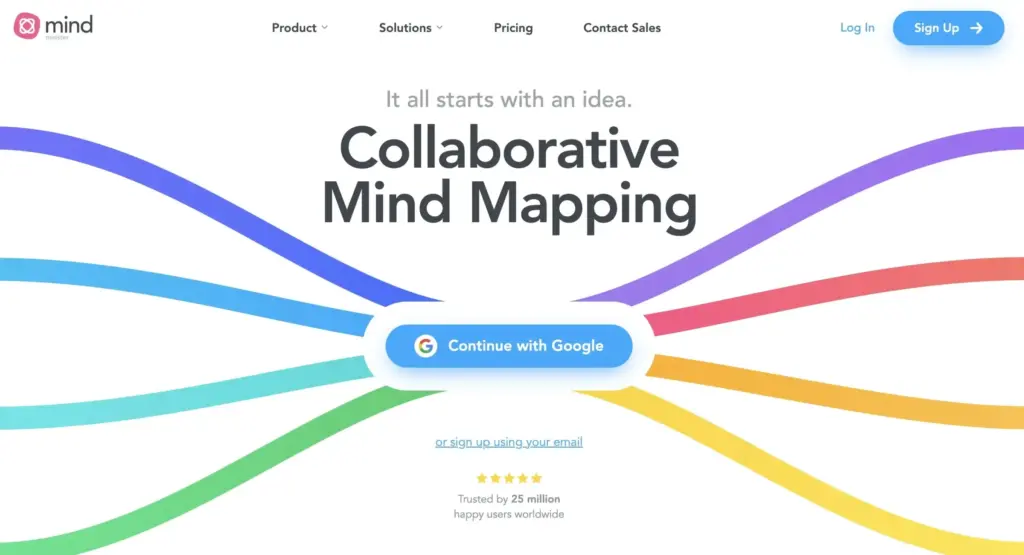
Best for: Teams who need real-time collaborative mind mapping with task management built in.
MindMeister is a cloud-based mind mapping tool with an intuitive interface and strong collaborative features. The app lets multiple users create and edit mind maps simultaneously in real time.
MindMeister also lets you turn ideas into tasks directly within the mind map and integrates with Google Drive and Dropbox for file sharing.
Price: Free for up to 3 mind maps. Personal plan starts at $5.99/month. Business plan at $8.25/month.
XMind
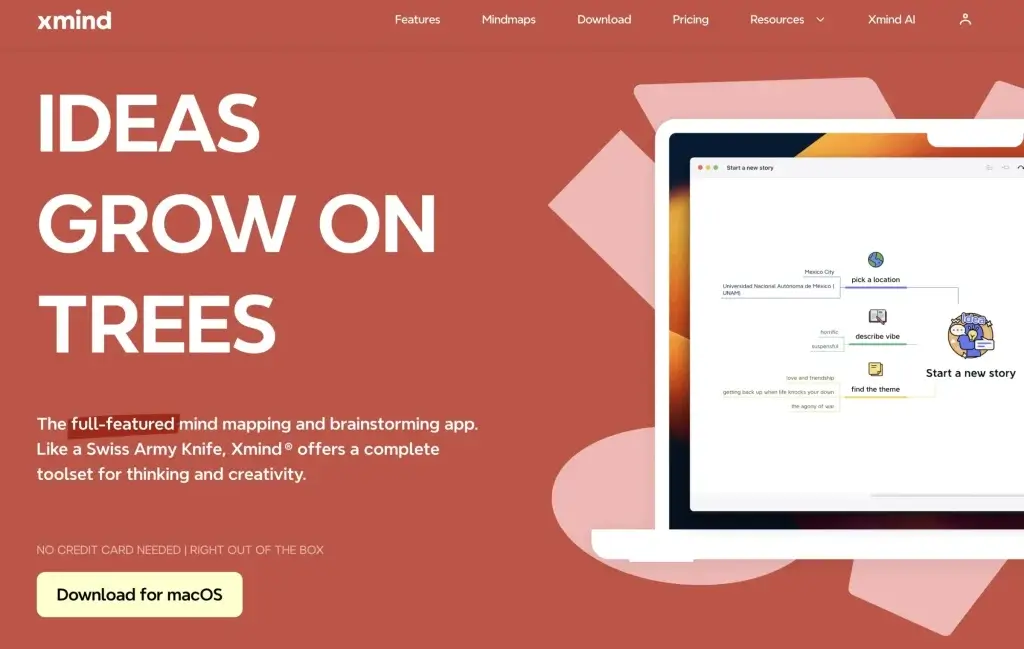
Best for: Solo users who want a powerful free mind mapping tool that works offline.
XMind offers diverse map structures, templates, and customization options. The free tier is generous, covering unlimited mind maps with a clean interface.
XMind also supports multimedia elements (images, videos, links) and real-time collaboration. The Gantt chart view for project management and presentation mode set it apart from simpler tools.
Price: Free tier with unlimited mind maps. Pro at $59.99/year adds presentation mode, Gantt charts, and advanced exports.
Ayoa
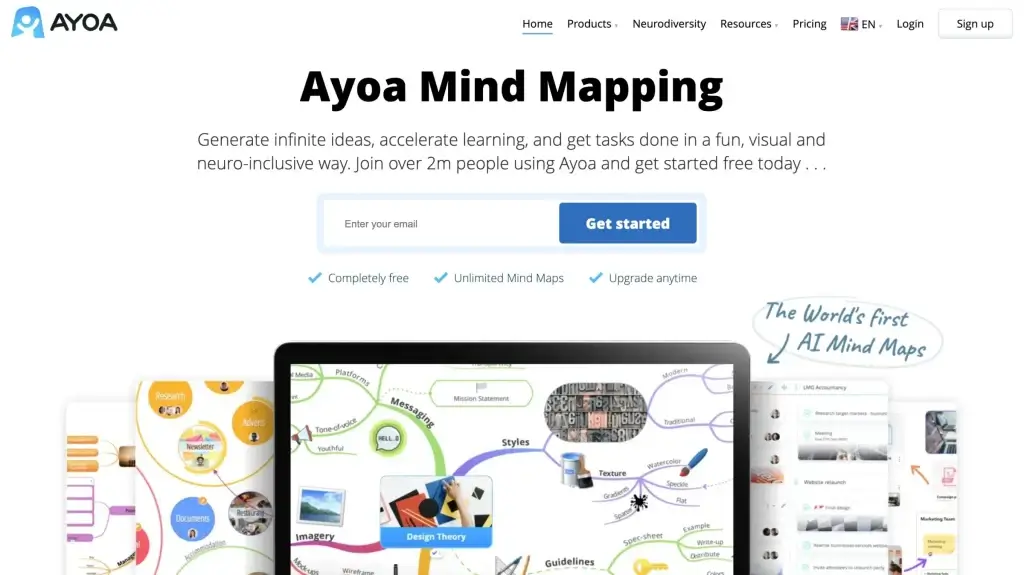
Best for: Professionals who want mind mapping and task management in one platform.
Ayoa (formerly iMindMap) blends mind mapping with task management and project planning.
Now, Ayoa goes beyond traditional mind mapping and offers a versatile platform for idea generation, task management, learning, and project planning. The user interface is very easy to navigate, which helps users be creative by allowing them to effortlessly map out thoughts, connect ideas, and visualize concepts. But what makes Ayoa so special is how it makes task management so easy by letting users easily turn ideas into actionable tasks. It is an ideal choice for both group sessions and individual learning.
Ayoa’s adaptability is the biggest reason why it is loved by both professionals and students alike. It provides a dynamic space to enhance productivity, promote brainstorming, and help you in your work or studies.
Mind42
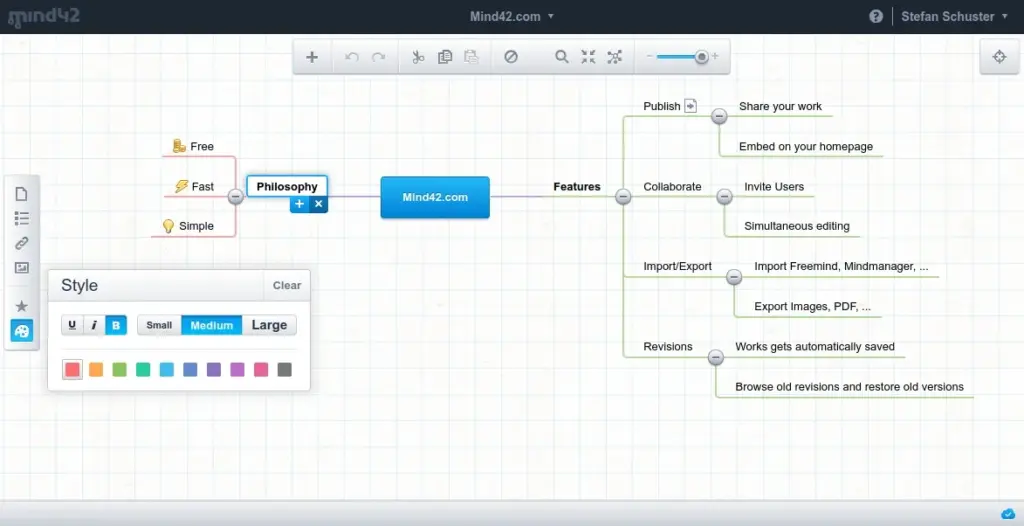
Best for: Beginners who want a completely free, no-signup mind mapping tool.
Mind42 is a free, web-based mind mapping app with a clean interface.
With its fantastic user interface, you can easily create mind maps, making it an excellent choice for beginners and experienced mind mappers. It also allows you to do group work with its collaborative features. This helps with teamwork and idea sharing, making it an ideal tool for group projects or collaborative learning. Another unique feature of Mind42 is that it supports multimedia integration, enabling users to enhance their maps with images, notes, and links. Overall, it is one of the best mind mapping apps out there.
MindNode
Best for: Apple users who want a native, beautifully designed mind mapping experience.
MindNode is an Apple-exclusive (iOS/iPadOS/macOS) mind mapping app with a polished, drag-and-drop interface.
The app has a drag-and-drop feature that lets you make amazing mind maps with minimal effort. MindNode’s simplicity and robust features make it a great app for brainstorming sessions. It offers features like the ability to add multimedia elements, create branches, and customize the appearance of your mind maps. Whether you are a student or a professional, MindNode’s versatility makes it much easier to arrange your thoughts and put them on screen. It is also compatible across Apple devices, ensuring accessibility and synchronization, making it a top choice for many people. If you want an elegant and effective mind mapping solution, then MindNode is just for you.
Coggle
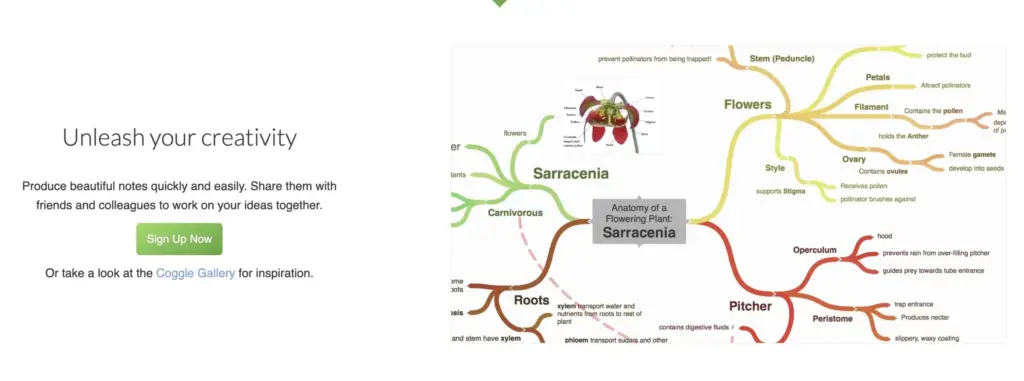
Best for: Teams who need quick, collaborative mind maps without a learning curve.
Coggle simplifies collaborative mind mapping with a drag-and-drop interface and real-time editing.
With its drag-and-drop option, you can connect ideas, topics, and concepts visually appealingly. Google also has a real-time collaboration feature that makes it a great choice for group projects or teamwork sessions, as you can easily share and edit mind maps among collaborators. Coggle is a fantastic app for both beginners and experienced mind mappers alike. Coggle’s versatility and ease of use make it the perfect app for creative learning scenarios.
Biggerplate
Best for: Users who want pre-made mind map templates and a community-driven library.
Biggerplate is a web-based platform with a library of shared mind maps across various topics.
It provides a space for users to make, share, and explore mind maps. Biggerplate already comes with various mind maps on various topics, making it easier for you to start your work. It is also known for its community-driven environment for knowledge exchange. With a highly user-friendly interface, Biggerplate is excellent for beginners and experienced mind mappers as it can help anyone organize their thoughts and concepts and put them up visually. The platform also has a team collaboration feature where you can work with your team in real time.
Biggerplate is preferred mostly due to its community and its vast library of mind maps. It is an extensive resource for individuals and groups to enhance their brainstorming and learning sessions.
SimpleMind
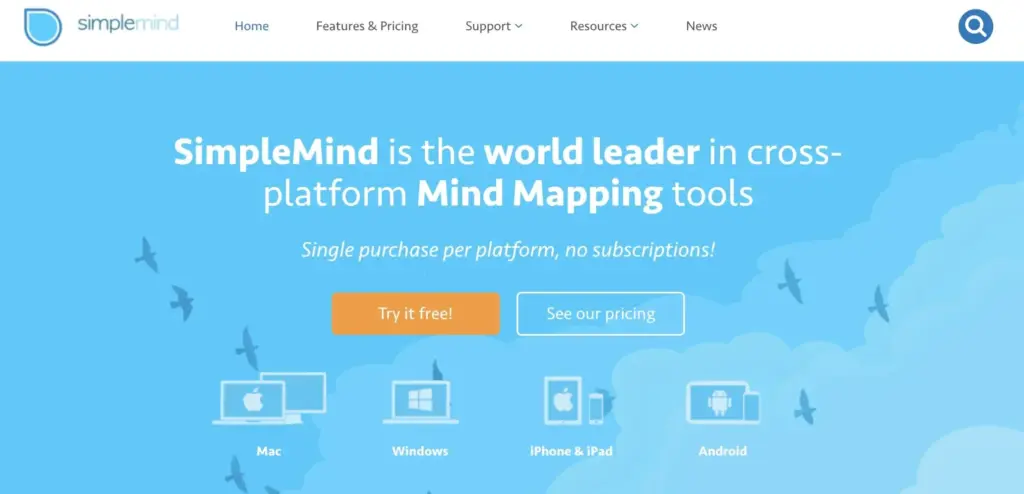
Best for: Users who need cross-platform offline mind mapping on Mac, Windows, iOS, and Android.
SimpleMind works across every major platform with local file storage. The interface is straightforward, letting you create mind maps quickly without an internet connection.
The app is cross-platform and compatible with Mac, Windows, iOS and Android devices, making it widely accessible. The platform also supports various customization options so that you have the liberty to craft your mind maps according to your specific needs. You can be a beginner mind mapper or an experienced one. SimpleMind’s versatility will make it an ideal choice for enhancing creativity in your brainstorming and learning sessions.
MindManager
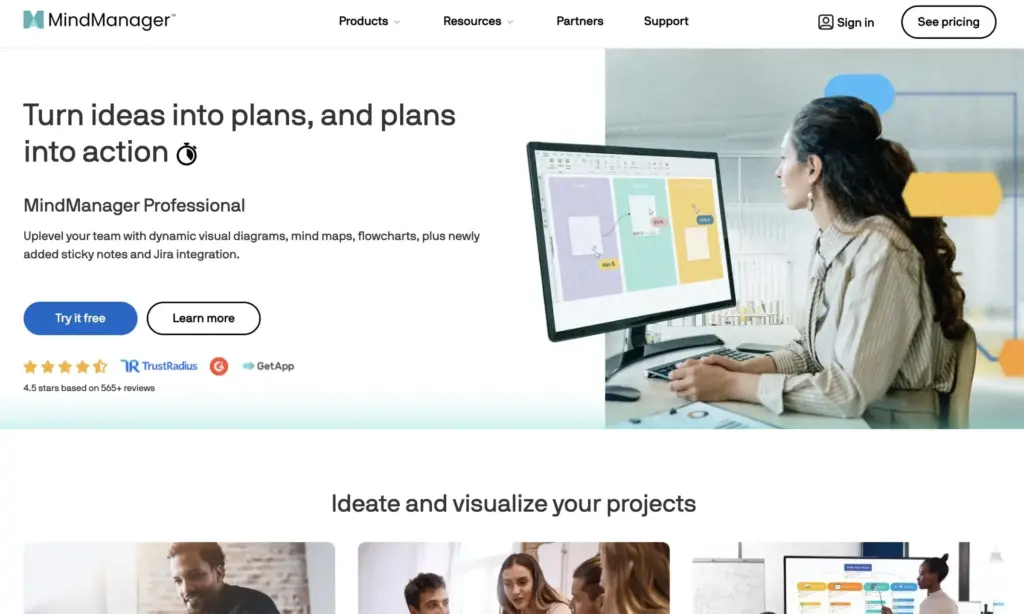
Best for: Enterprise teams who need mind mapping integrated with project management.
MindManager goes beyond basic mind mapping with real-time collaboration, multimedia integration, and project management capabilities. It’s built for team projects and planning sessions.
As MindManager lets you put multimedia elements in your mind maps, you can use images, videos, and hyperlinks to enhance the learning experience. Overall, MindManager comes with good project management capabilities, enabling users to turn their mind maps into actionable plans.
The app is also cross-platform compatible and thus can be used across a wide set of devices. With all the features it offers, MindManager is a versatile tool for effective brainstorming and learning.
Stormboard
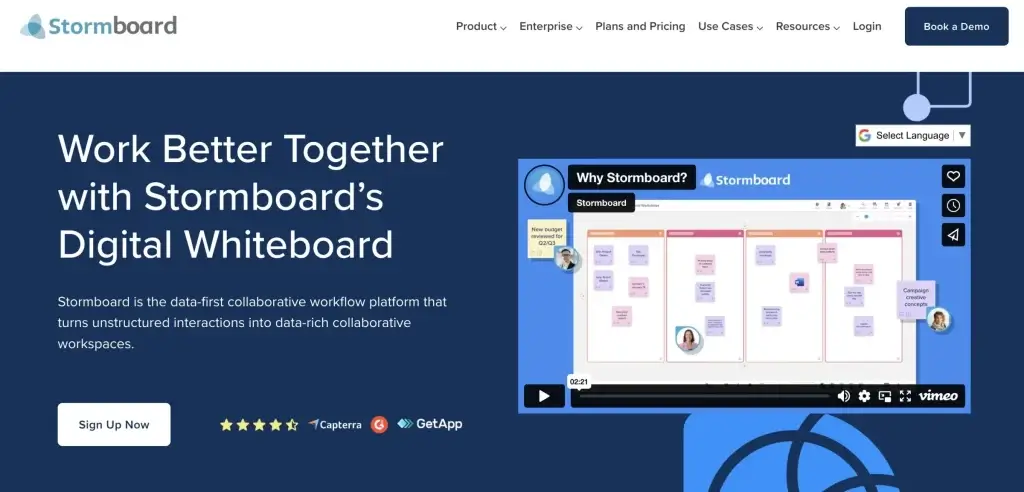
Best for: Distributed teams who need digital whiteboard brainstorming with sticky notes and templates.
Stormboard is an enterprise-focused collaborative platform for creating digital whiteboards. Teams can share and organize ideas in real time, regardless of location.
The app is excellent for mind mapping and comes with features such as customizable templates, sticky notes, links, images, videos, and integrations with other tools. Stormboard’s flexibility lets you work according to your brainstorming style, making it suitable for project planning, ideation sessions, and even educational purposes.
Before you go
Beyond the 10 apps above, several other tools are worth knowing:
- Mindomo – A versatile tool for creating mind maps, concept maps, outlines, and Gantt charts, facilitating collaboration and project planning.
- MindMapper – Integrates mapping with planning, allowing for comprehensive project visualization and management.
- Lucidchart – Offers diagramming and mind mapping capabilities within a collaborative environment, suitable for teams and professionals.
- Miro – A collaborative online whiteboard platform designed for team brainstorming, project planning, and agile development.
- ConceptDraw MINDMAP – A tool for brainstorming, organizing, and presenting ideas, with integration into the ConceptDraw Office suite.
- Microsoft Visio – A diagramming tool with capabilities for creating detailed mind maps, flowcharts, and organizational charts.
- Scapple – Offers a free-form text-based approach to mind mapping, emphasizing simplicity and flexibility in idea development.
- FreeMind – An open-source mind mapping software known for its straightforward functionality and focus on the hierarchical structuring of ideas.
For most people, start with XMind or MindMeister. Both have generous free tiers and intuitive interfaces. If you need real-time collaboration, MindMeister edges ahead. For offline work and more control, XMind is the better pick.