
GT Page Blocks Builder Training
Complete training for the GT Page Blocks Builder, the section-based visual page builder for WordPress. Learn the drag-and-drop builder interface, page templates, section types, keyboard shortcuts, the live preview system, hooks for developers, and best practices for building landing pages and full websites. Each lesson covers a specific feature with practical examples.
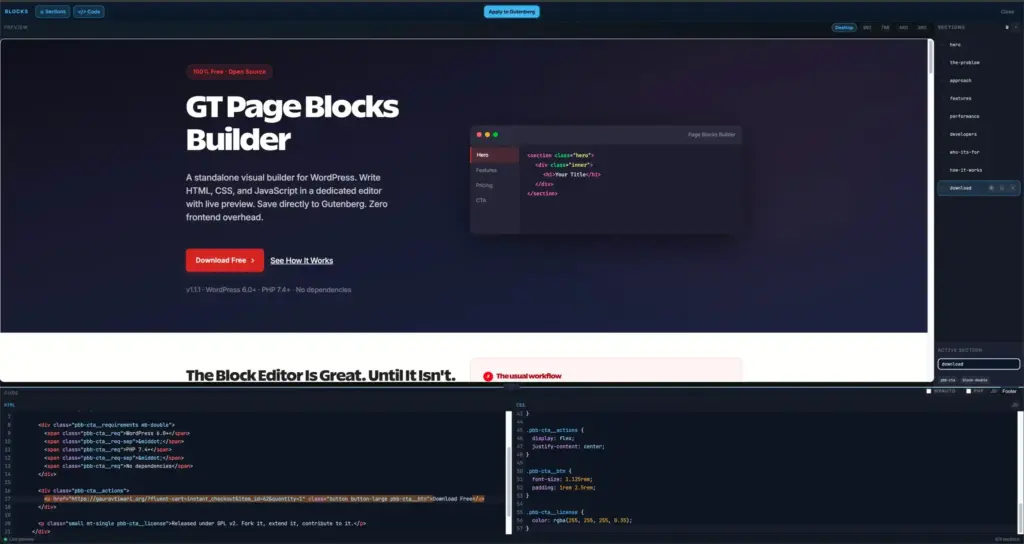
What you'll learn
- Build landing pages using the drag-and-drop section builder
- Master page templates, section types, and keyboard shortcuts
- Use the live preview system and PHP execution for dynamic content
- Extend Page Blocks with hooks, filters, and developer tools
Instructor

Gaurav Tiwari
WordPress developer and content strategist with 16+ years of experience building performance-driven solutions for 800+ clients. Creator of multiple WordPress plugins with 10,000+ active installs.
Course content
Getting Started 4 lessons
Set up GT Page Blocks Builder and learn the fundamentals of its page-building approach.
Building Pages 4 lessons
Assemble complete pages using available block types, layout options, and content modules.
Advanced & Developer 4 lessons
Extend the builder with custom blocks, dynamic data sources, and developer-oriented configuration.
Reference 3 lessons
Complete reference of all blocks, settings, template tags, and API endpoints available in the builder.