
Genesis Framework in 2026: Is It Still Worth It?
Genesis Framework powered over 600,000 WordPress sites at its peak. StudioPress built a reputation for clean code, rock-solid security, and a developer-friendly hook system that made it the go-to framework for professional WordPress developers.
Then WP Engine acquired StudioPress in June 2018, and things changed. Slowly at first. Then all at once. The Genesis Framework hasn’t had a major feature release since version 3.4 in September 2022. The last update (3.6.1, October 2025) was a security patch. Community forums are quiet. WP Engine’s own investments are going toward block themes, not Genesis classic.
So where does that leave you if you’re currently on Genesis, considering Genesis, or just searching “genesis themes” trying to figure out what’s going on? I’ve built 50+ sites on the Genesis Framework since 2014 and I’ve watched this transition from the inside. Here’s the honest picture.
Table of Contents
What Happened to Genesis Framework?
Quick timeline of how we got here:
| Date | Event |
|---|---|
| 2010 | StudioPress launches Genesis Framework. Becomes the gold standard for WordPress theme development. |
| June 2018 | WP Engine acquires StudioPress. Genesis Framework made free (was $59.95). All 35+ child themes bundled with WP Engine hosting. |
| 2019-2021 | WP Engine launches Genesis Blocks, Genesis Custom Blocks, and Genesis Pro ($360/year). Focus shifts toward Gutenberg. |
| September 2022 | Genesis 3.4.0 released. Last significant feature update. |
| January 2024 | Genesis 3.5.0 after a 16-month gap. Compatibility fixes only. |
| October 2025 | Genesis 3.6.1. Security patch (XSS fix in shortcode attributes). Latest version. |
The pattern is clear. WP Engine keeps Genesis alive with security patches, but the framework hasn’t received a meaningful feature in over three years. Their official position: “The Genesis Framework you know and love is not changing.” The unspoken part: it’s not changing because it’s not being developed anymore.
WP Engine is building its future outside the Genesis Framework. The Genesis Block Theme, Genesis Blocks, and Genesis Custom Blocks all work without the classic framework. That’s where their engineering team is spending time.
Is Genesis Still Worth It in 2026?
Depends on where you’re coming from.
If You’re Already on Genesis
Don’t panic. Your site isn’t going to break overnight. Genesis still gets security updates, the code is clean and well-documented, and if your site works, there’s no urgent reason to migrate. I still have two client sites running on Genesis child themes. They load fast, they’re secure, and the clients aren’t complaining.
That said, start planning your migration. WordPress core is moving toward Full Site Editing and block themes. Genesis classic doesn’t support FSE. At some point, you’ll be on a framework that can’t use the latest WordPress features. Better to migrate on your timeline than scramble when something breaks.
If You’re Considering Genesis for a New Site
Don’t. There’s no good reason to start a new project on Genesis Framework in 2026. The ecosystem is shrinking, the developer community has moved on, and modern alternatives like Kadence, GeneratePress, and Blocksy offer everything Genesis did plus native block editor support, header/footer builders, and active development.
I loved building on Genesis. The hook system was elegant, the code was clean, and the community was strong. But I moved my own site (gauravtiwari.org) to GeneratePress three years ago and haven’t looked back. The block editor support alone made it worth the switch. Genesis served its era well. That era is over.

Genesis vs Modern WordPress Theme Alternatives
Here’s how Genesis stacks up against the frameworks that replaced it. I’ve built production sites on all five.
| Feature | Genesis | GeneratePress | Kadence | Astra | Blocksy |
|---|---|---|---|---|---|
| Active Development | Security patches only | Monthly updates | Monthly updates | Monthly updates | Monthly updates |
| Block Editor Support | Basic | Full (GenerateBlocks) | Full (Kadence Blocks) | Full (Starter Templates) | Native |
| Full Site Editing | No | Partial | Yes | Partial | Yes |
| Header/Footer Builder | No (hooks only) | Yes | Yes | Yes | Yes |
| Starter Templates | 35+ (aging) | Cloud Templates | 200+ via AI | 240+ via Starter Templates | 80+ via Starter Sites |
| Performance | Good (lightweight core) | Excellent (7.5KB CSS) | Excellent | Good | Good |
| Price | Free (or $360/yr Pro) | Free / $59/yr | Free / $149/yr | Free / $49/yr | Free / $49/yr |
| Hook System | Extensive | Yes (Elements) | Yes (Kadence Elements) | Custom Layouts | Hooks |
| Community | Declining | Active | Very active | Very active | Growing fast |
Best Genesis Alternatives (What to Migrate To)
If you’re moving off Genesis, these are the three I recommend based on migrating my own sites and dozens of client projects.
GeneratePress (My Pick)
- 7.5KB CSS footprint, fastest WordPress theme tested
- GenerateBlocks Pro for Gutenberg layouts
- Cloud templates library
- Elements system (hooks, headers, layouts)
GeneratePress is the closest modern equivalent to what Genesis used to be. Lightweight core (7.5KB CSS vs Genesis’s ~30KB), clean code, and a focus on performance over flashy features. The GenerateBlocks plugin replaces what you’d use child theme PHP for in Genesis. I migrated gauravtiwari.org from a Genesis child theme to GeneratePress and my PageSpeed scores went from 78 to 98.
If you’re a developer who loved Genesis for its code quality and hook system, GeneratePress is your natural next home. Read my full GeneratePress Free vs Premium comparison.
Kadence
- Native Kadence Blocks for page building
- Visual header/footer builder
- 200+ AI-powered starter templates
- Kadence Elements hooks system
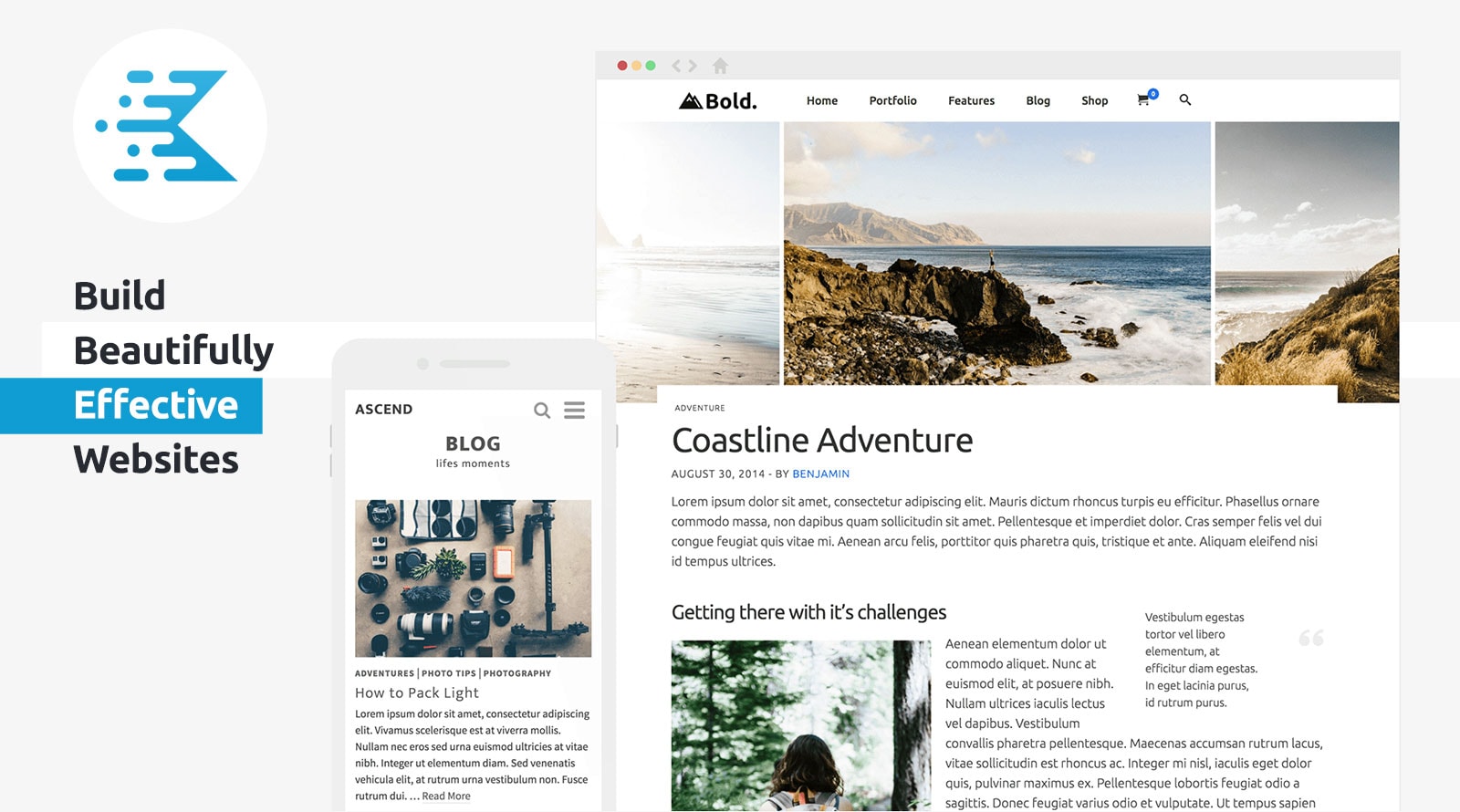
Kadence is where I’d start if you want the most features out of the box. The Kadence Elements hook system is the closest thing to Genesis hooks in a modern theme. You get a visual header/footer builder, 200+ starter templates, and Kadence Blocks Pro for Gutenberg layouts. It’s what Genesis would look like if it were built today.
Blocksy
- Built from scratch for Gutenberg and FSE
- Advanced WooCommerce integration
- Global color palette and typography system
- 80+ starter sites
Blocksy is the youngest of the bunch but growing fastest. It was built from scratch for Gutenberg with zero legacy code. If you’re starting fresh and want something modern that fully embraces the block editor and FSE, Blocksy at $49/year is hard to argue against.
Genesis Child Themes Still Available
If you’re committed to staying on Genesis, these child themes are still available through StudioPress. You get them free with WP Engine or Flywheel hosting, or through a Genesis Pro subscription ($360/year) on any host.
| Theme | Best For | Notable Feature |
|---|---|---|
| Magazine Pro | Content-heavy blogs, news sites | Multiple homepage widget areas for content display |
| Authority Pro | Personal brands, coaches | Built-in pricing table and sales page templates |
| Mai Theme | Business sites, agencies | Most actively maintained Genesis child theme |
| Essence Pro | Health, wellness, lifestyle | Large hero images, minimal clutter design |
| Academy Pro | Course creators, educators | Credential display, video backgrounds |
| Foodie Pro (Feast) | Food blogs, recipe sites | Optimized for recipe plugins, by Feast Design Co. |
Genesis child themes are not available on the WordPress.org theme directory. You can only get them through StudioPress.com, WP Engine/Flywheel hosting (included free), or a Genesis Pro subscription. The Genesis Framework itself was made free after the WP Engine acquisition.
What is Genesis Pro?
Genesis Pro is WP Engine’s $360/year subscription bundle that includes:
- Genesis Framework (parent theme)
- All 35+ StudioPress child themes
- Genesis Blocks Pro (premium Gutenberg page-building blocks)
- Genesis Custom Blocks Pro (build custom blocks without React/JS)
It’s usable on unlimited sites with any host. WP Engine customers get Genesis Pro included or as an add-on depending on their plan tier. At $360/year, though, it’s expensive compared to Kadence ($149/year) or GeneratePress ($59/year) which offer more modern tooling for less.
How to Migrate Away from Genesis
I’ve migrated over a dozen sites off Genesis. Here’s the process I follow:
- Pick your new theme. GeneratePress for developers who want clean code. Kadence for the most features. Blocksy for a fresh start.
- Set up a staging site. Never migrate on production. Your host should offer one-click staging (WPX, Cloudways, WP Engine all do).
- Install the new theme on staging. Activate it. Your content stays intact because WordPress separates content from presentation.
- Recreate your customizations. Genesis hooks and filters in functions.php need to be replaced with your new theme’s equivalents. Kadence Elements and GeneratePress Elements both handle this.
- Move your widgets. If you used Genesis-specific widget areas, map them to your new theme’s widget/block areas.
- Test everything. Check every page, form, and plugin. Run a site audit for broken layouts.
- Push to production. Switch themes, clear caches, and verify.
The whole process takes 2-4 hours for a simple blog, 1-2 days for a complex site with custom Genesis functions. Well worth the effort for a theme that’s actively maintained.
Bottom Line
Genesis Framework built its reputation on clean code, security, and a developer-friendly architecture. That reputation was earned. It powered some of the best WordPress sites on the internet for over a decade.
But the WordPress ecosystem has moved on. Block themes, Full Site Editing, and modern frameworks like GeneratePress and Kadence deliver everything Genesis offered plus features it never will. WP Engine isn’t building the future on Genesis classic. You shouldn’t either.
If you’re on Genesis now, plan your migration when it makes sense. Don’t rush, but don’t wait until something breaks. If you’re choosing a theme for a new project, pick GeneratePress, Kadence, or Blocksy. You’ll get better performance, active development, and a framework built for where WordPress is going, not where it’s been.
FAQ
Is Genesis Framework dead?
Not dead, but effectively in maintenance mode. The last meaningful feature release was Genesis 3.4 in September 2022. WP Engine still pushes security patches (latest: 3.6.1 in October 2025), but no new features are being developed. WP Engine’s new investments go toward block themes and Genesis Blocks, not the classic framework.
Is Genesis Framework still free?
Yes. The Genesis Framework itself has been free since WP Engine acquired StudioPress in 2018. It was previously $59.95. You can download it from StudioPress.com. The child themes require either WP Engine/Flywheel hosting (included free) or a Genesis Pro subscription ($360/year).
What is the best Genesis alternative in 2026?
GeneratePress is the closest modern equivalent to Genesis in philosophy: lightweight, clean code, developer-friendly. Kadence offers the most features (header/footer builder, AI templates, Kadence Blocks). Blocksy is the newest option, built from scratch for the block editor. All three are actively maintained with monthly updates.
Should I migrate my site off Genesis?
If your site works fine on Genesis, there’s no rush. It still gets security updates and the code is solid. But you should plan a migration because WordPress core is moving toward Full Site Editing and block themes, which Genesis classic doesn’t support. Better to migrate on your timeline than scramble when compatibility breaks.
How much does Genesis Pro cost?
Genesis Pro costs $360/year as a standalone subscription. It includes the Genesis Framework, all 35+ StudioPress child themes, Genesis Blocks Pro, and Genesis Custom Blocks Pro. WP Engine hosting customers get it included with their hosting plan.
Can I still buy Genesis child themes?
Yes. StudioPress still offers 35+ child themes. You get them free with WP Engine or Flywheel hosting, or through a Genesis Pro subscription ($360/year) usable on any host. Third-party developers like Feast Design Co. still maintain Genesis child themes for food blogs.
What is the Genesis Block Theme?
The Genesis Block Theme is a separate product from WP Engine that does NOT require the Genesis Framework. It’s a standalone block-editor-first theme designed for Full Site Editing. This is WP Engine’s forward-looking direction, built outside the classic framework.
Is Genesis good for SEO?
Genesis was built with SEO best practices: clean HTML markup, schema.org support, fast loading times, and mobile-responsive designs. But SEO today is about page speed, Core Web Vitals, and structured data. Modern themes like GeneratePress (7.5KB CSS) and Kadence consistently score higher on performance benchmarks.
Disclaimer: This site is reader-supported. If you buy through some links, I may earn a small commission at no extra cost to you. I only recommend tools I trust and would use myself. Your support helps keep gauravtiwari.org free and focused on real-world advice. Thanks. - Gaurav Tiwari