


GT Page Blocks Builder 4.2.0 lets an AI agent build pages and sections for you. Connect Claude, ChatGPT or Cursor through Site Agent (free, 0.4 or later) and the agent gets the Page Blocks skill on its own. There's nothing else to install.
What an agent can do:
- Create a draft page from HTML, CSS and JavaScript sections, on the blank canvas template if you want no theme header or footer.
- List the sections on an existing page, read one and change it.
- Create, update and render library blocks.
The guardrails matter more than the features here:
- Section markup goes through WordPress's own block serializer, so code with quotes,
--or<script>stays intact. No broken blocks from hand-written block comments. - Changes to a published page are saved as an autosave for your review. The live page changes only when you ask the agent to publish.
- If the page changed after the agent read it, the save is refused.
- Agents can't turn on PHP execution. A section that already runs PHP stays editable only in the block editor.
- New pages are always drafts.
The new AI agents page in the Page Blocks menu shows all of this and how to connect. Developers get gt_pb_agent() for their own integrations.
Existing pages, sections and library blocks are unchanged. Update from Dashboard → Updates. The full list is in the changelog.
If an agent produces a section that breaks in the editor, reply with the page and the section name.
Page Blocks Builder 4 brings native WordPress blocks into the visual workspace. You can edit a section on the canvas and keep its content in native block markup.
I've kept existing HTML/CSS/JS sections and linked library content compatible. Your saved sections aren't automatically converted.
The current 4.x release is 4.1.0, which includes:
- Visual editing: select native blocks on the canvas and adjust them through the Design inspector.
- Auto and Freeform placement: use normal layout flow or drag and resize on desktop. Mobile layouts follow the blocks' reading order.
- Media drops: drop files onto the canvas to upload them through WordPress and insert native media blocks.
- Blank canvas: build a page without the theme's header and footer.
- A searchable library: find saved sections with previews, then choose whether to insert a copy or a linked section.
Version 4.1.0 also adds optional Visual/Code conversion. If a section contains dynamic or ambiguous content that can't be converted safely, the editor refuses the conversion. Converted native-block code needs 4.1.0 or later on the site that uses it.
The updated Page Blocks Builder demo has separate Visual, Code and Library entry points. I'd start with a heading edit in Visual. Save it before opening Preview.
You can install 4.1.0 from WordPress's Plugins screen with an active license. Please back up before updating, and let me know here if an existing section behaves differently.
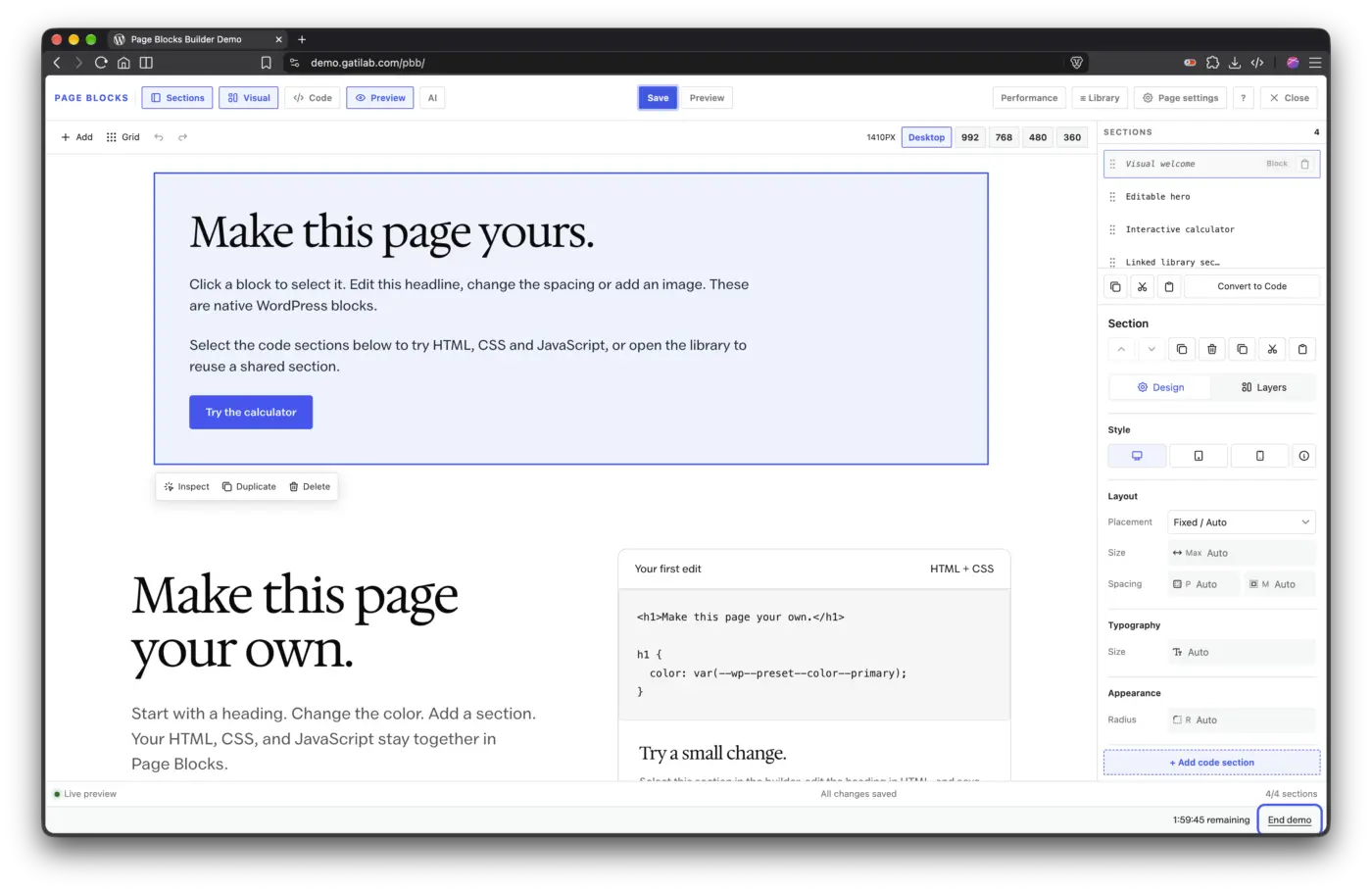
I've released GT Page Blocks Builder 3.1.0 with a Performance view in the full-page builder and an Analyze section control in the Block Editor inspector. You can check section size, repeated CSS and image, script or font hints before publishing a page.
Section CSS is also processed less often. In a local 100-section fixture, parsing dropped from 101 passes to 1. That's a processing check, not a promise about your site's PageSpeed score. Per-section CSS deferral is available when you choose it; keep hero and shared layout styles inline or loaded normally.
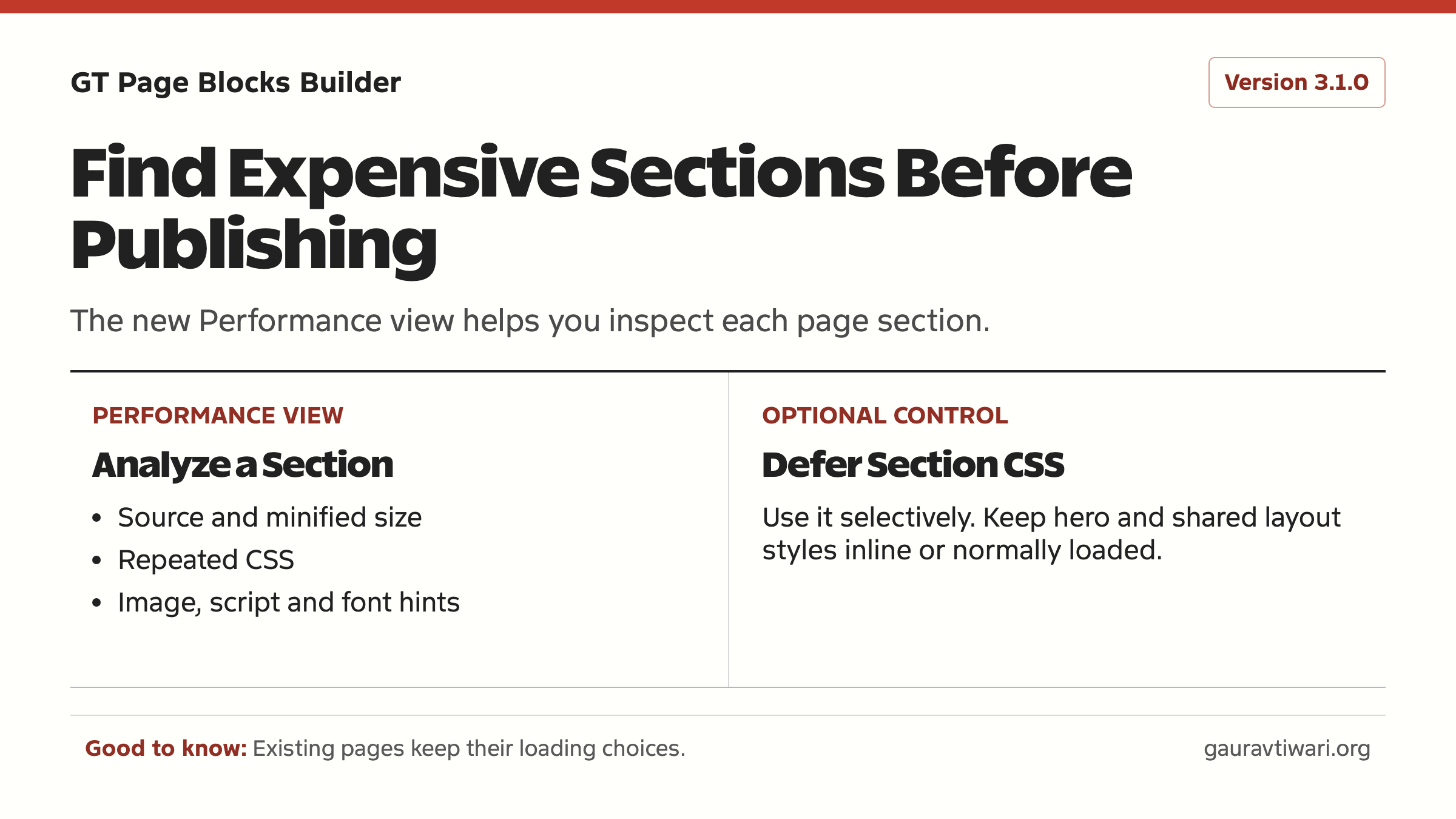
Existing pages keep their content and loading choices. See the 3.1.0 release notes before turning on deferral, and tell me if the Performance view flags a section you can't explain.